2025-09-20
in Camera Focus Stack
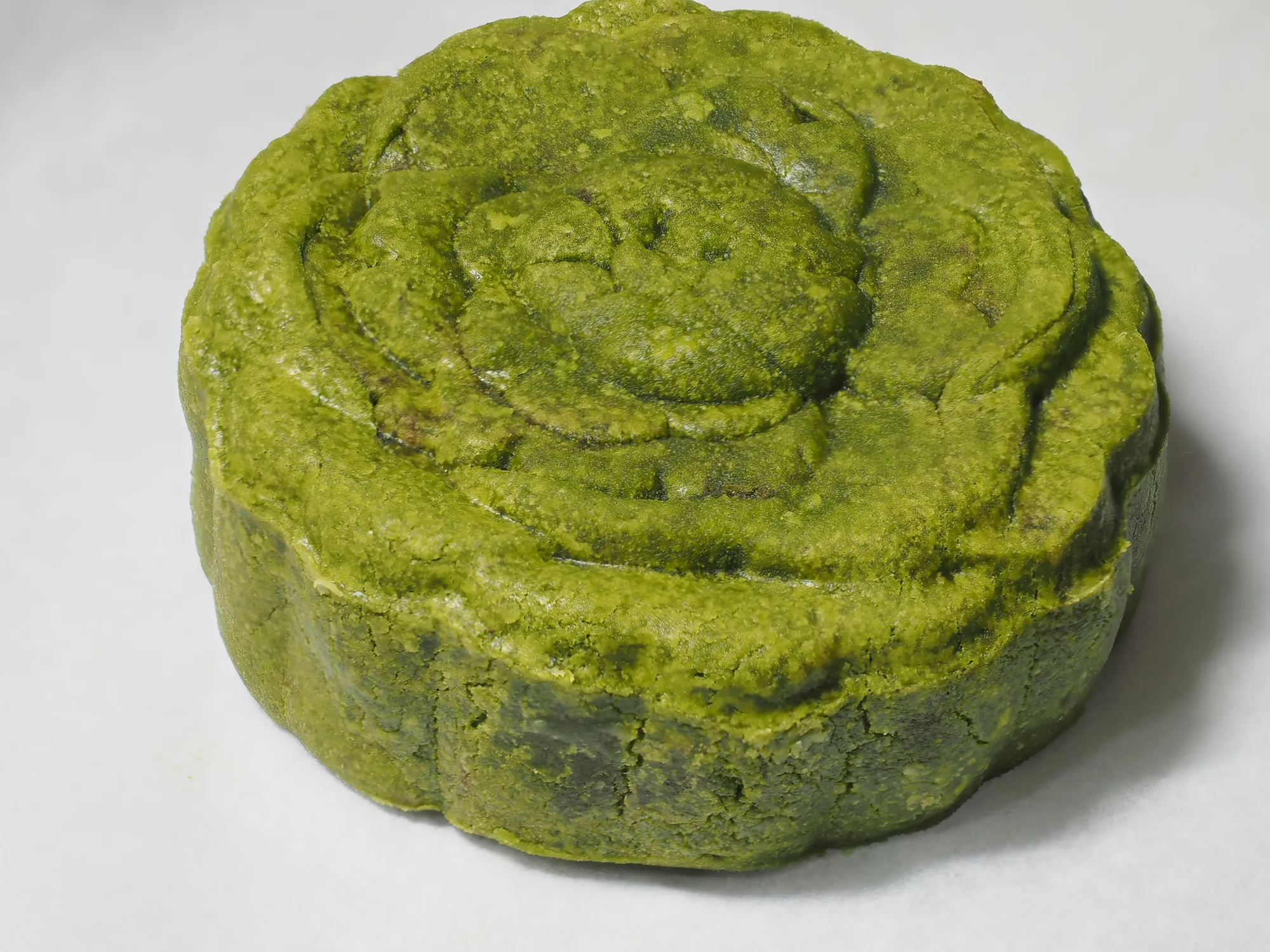
Stack focus output from EM1 Mk1
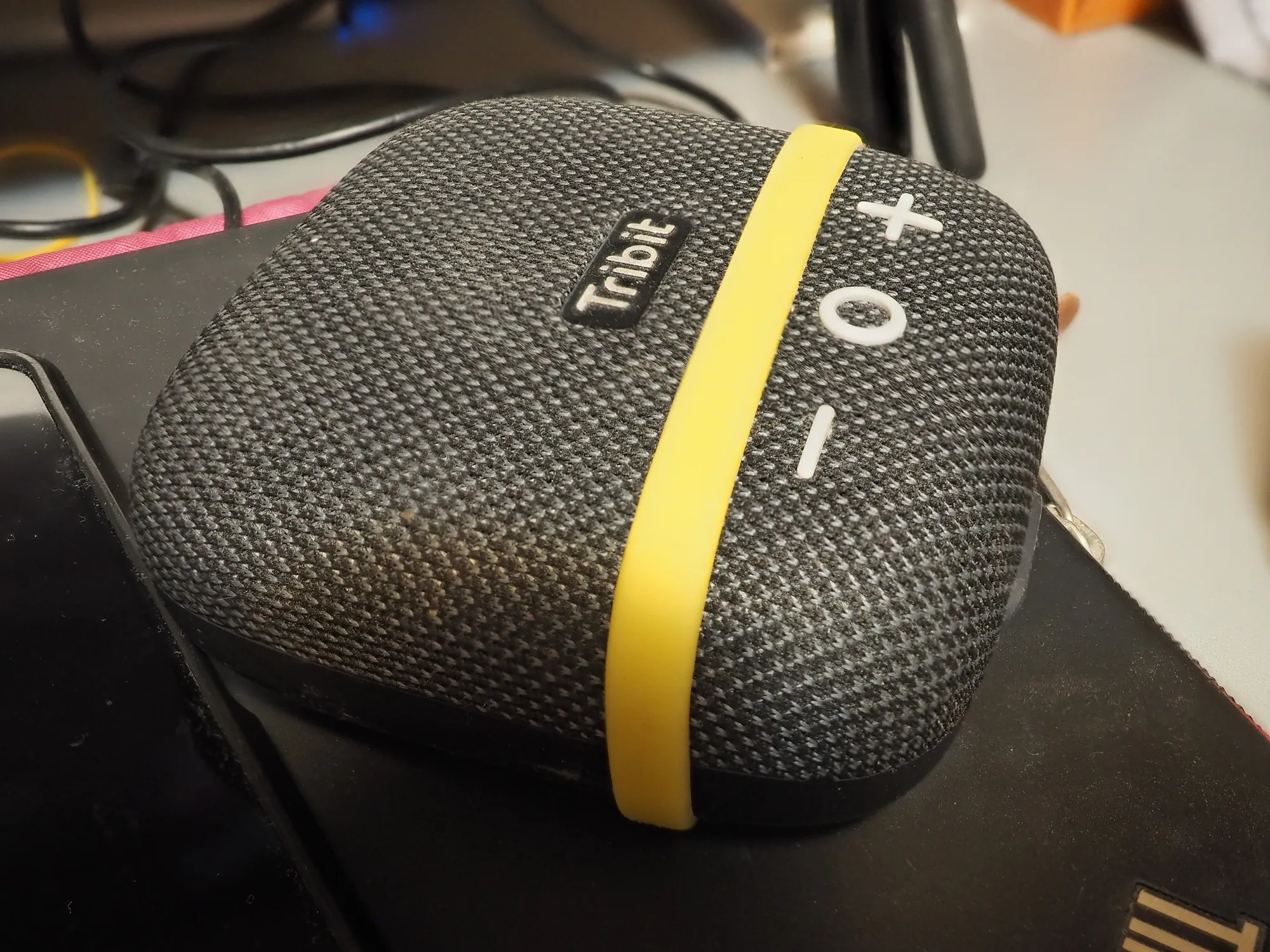
Camera take number of photos and in camera process the final stacked JPG
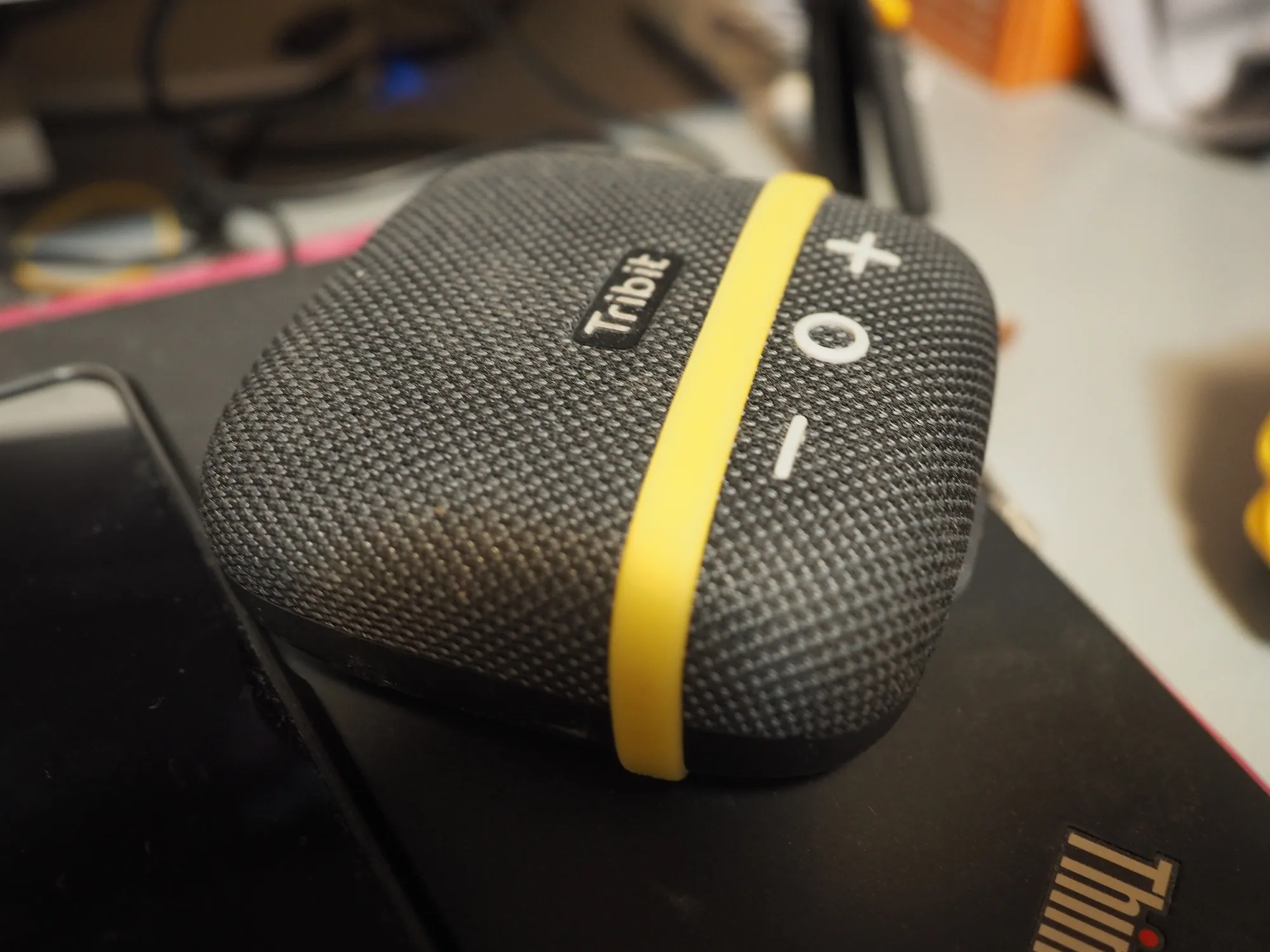
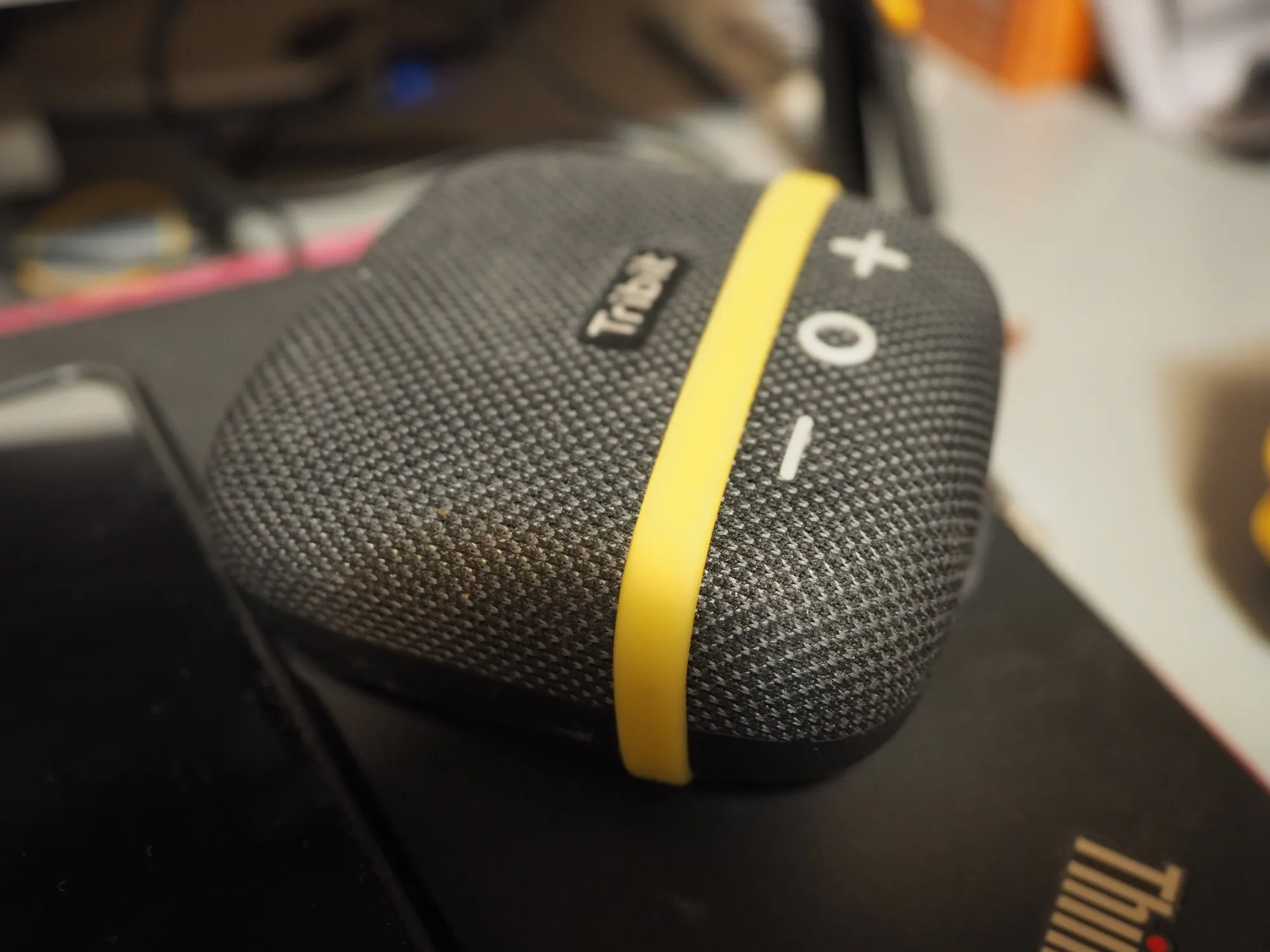
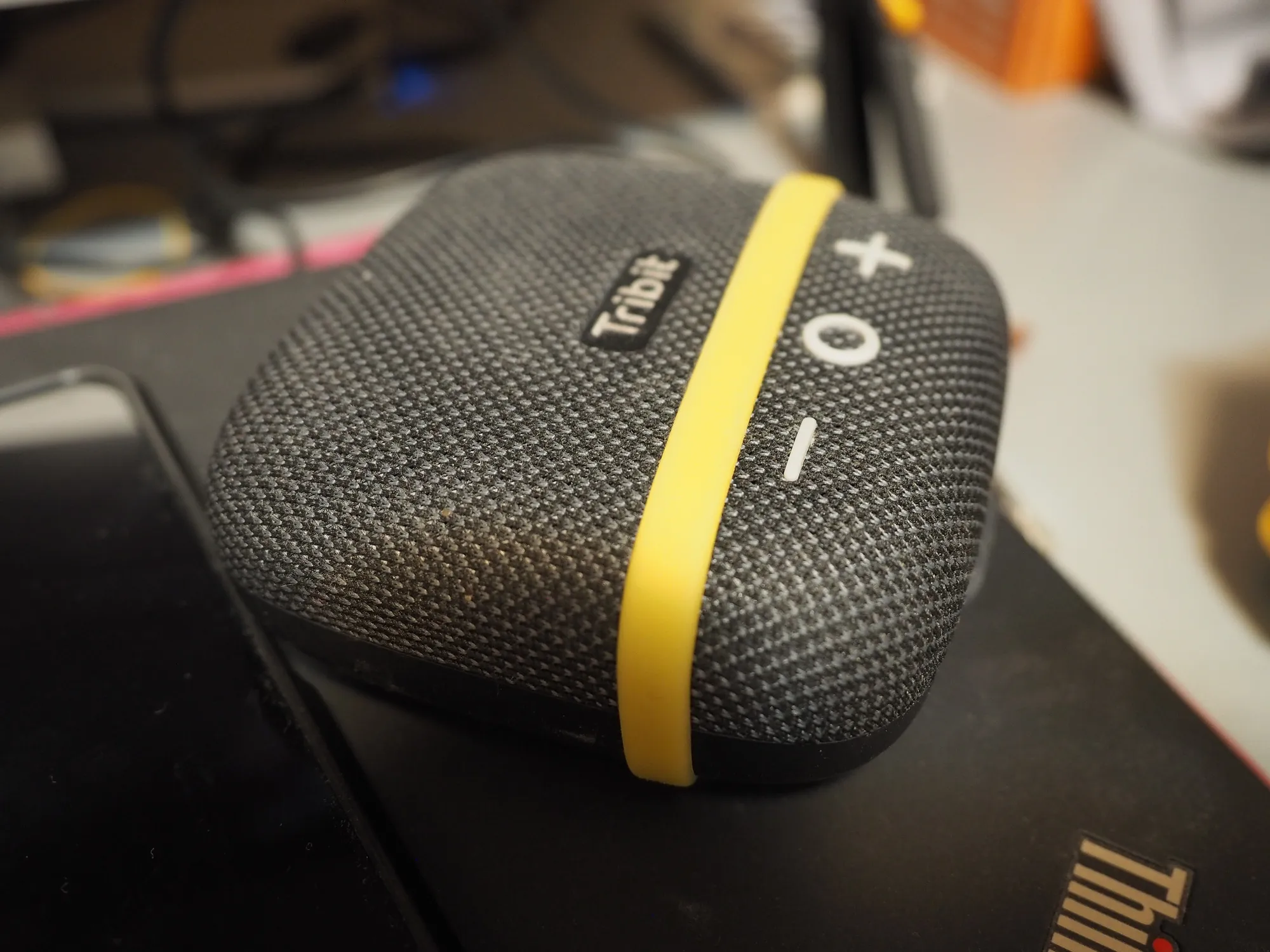
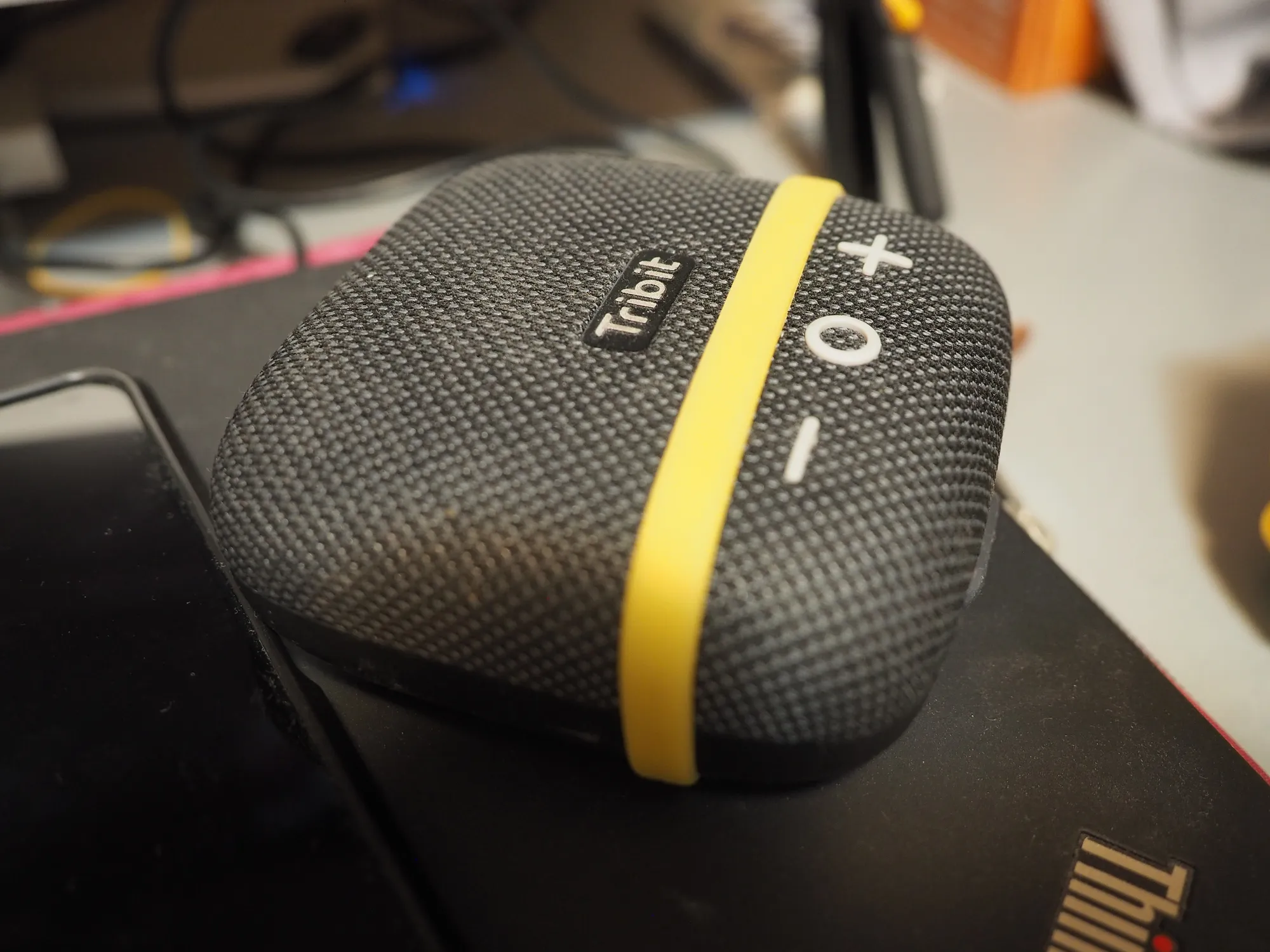
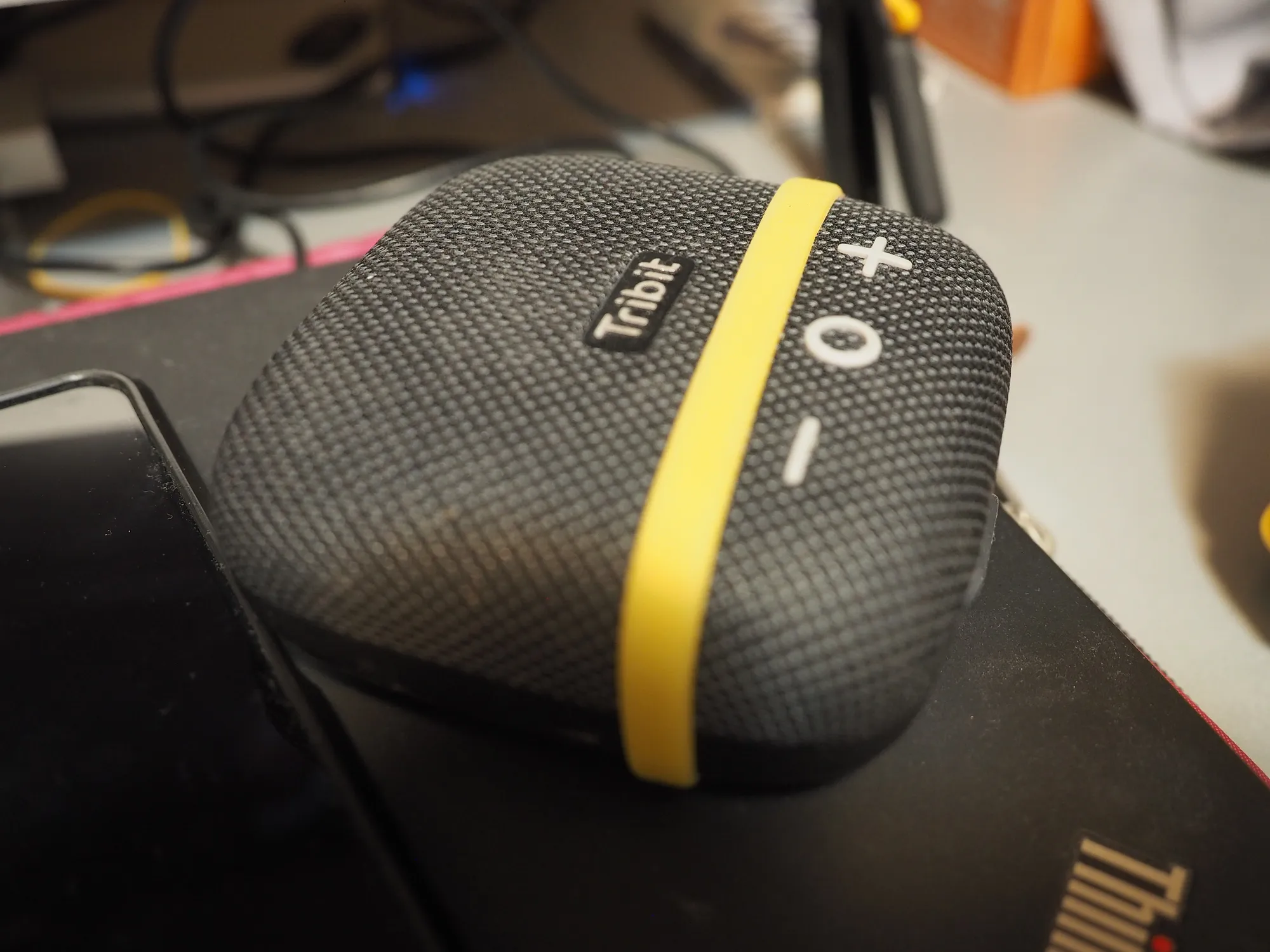
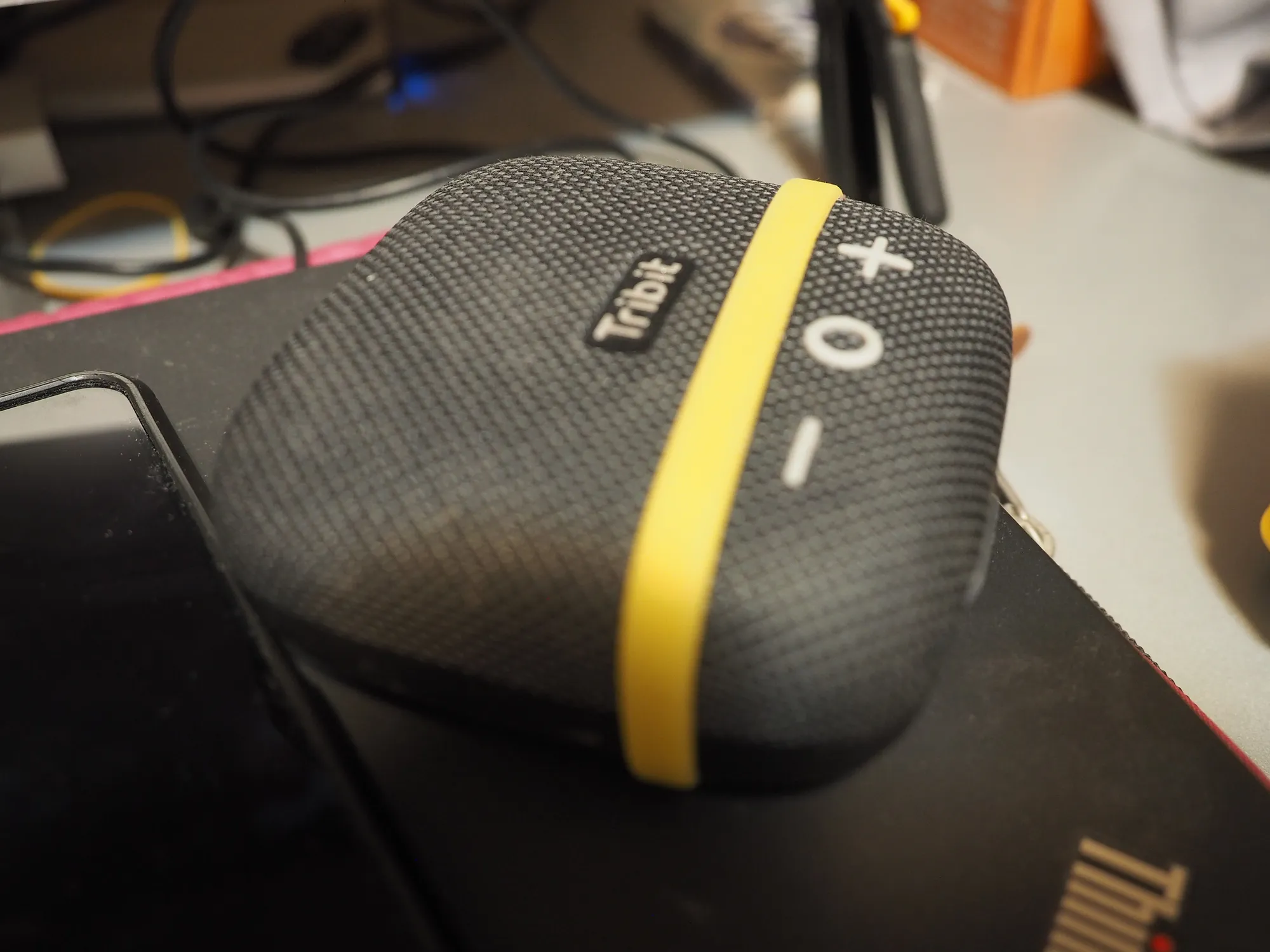
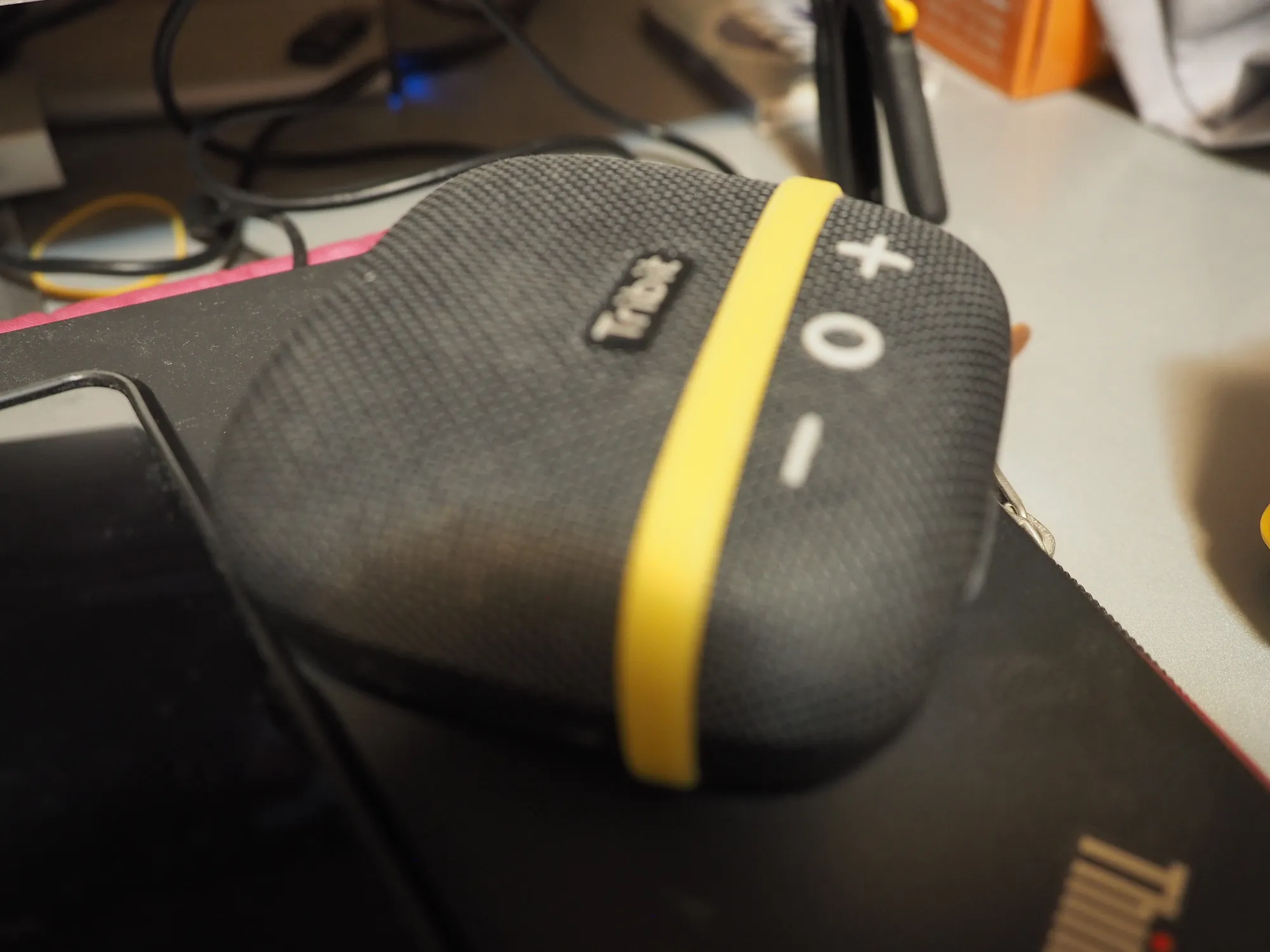
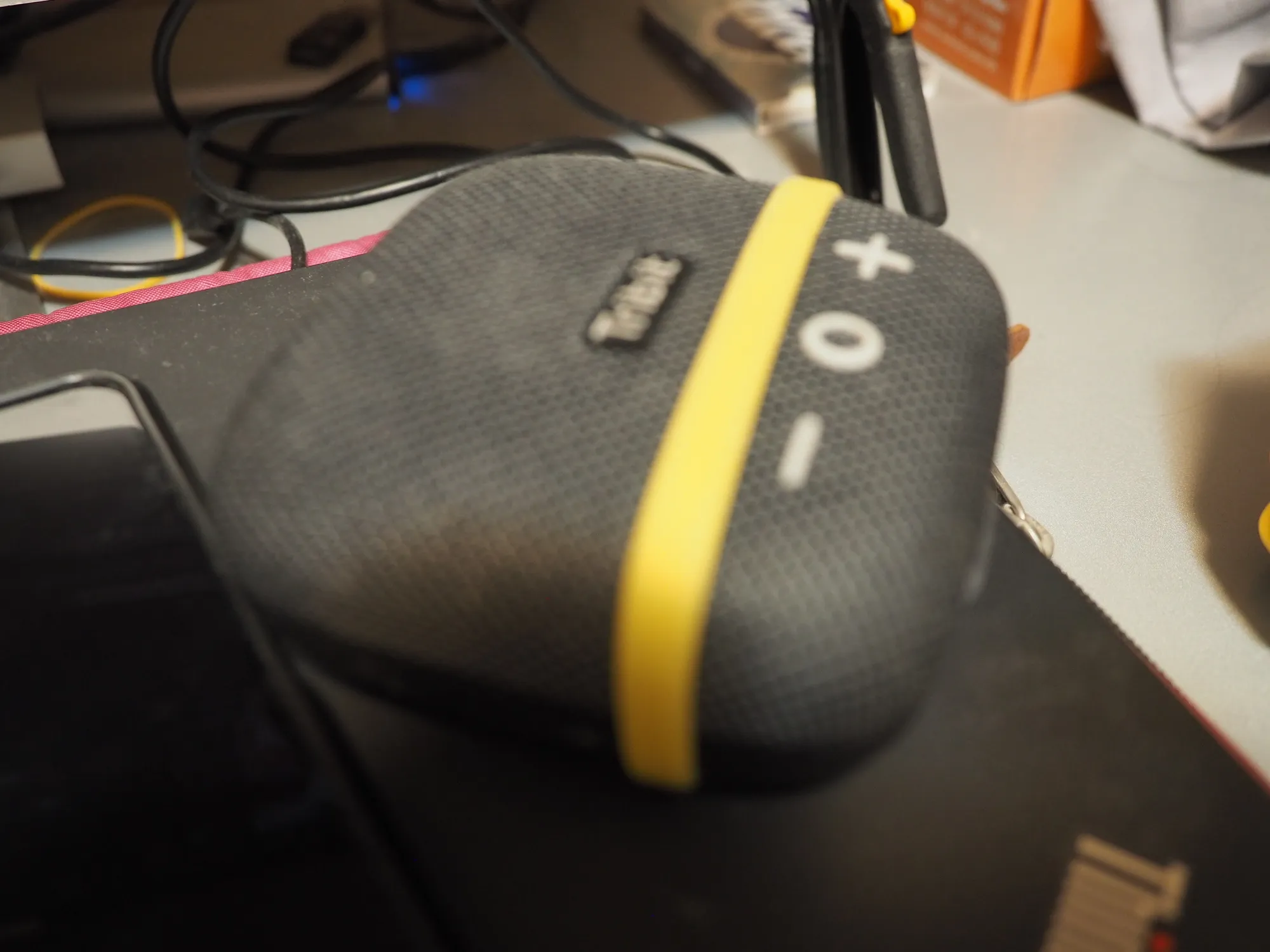
Samples

How to set up in-camera focus stacking (source from google AI)
- Select Bracketing: Press the Menu button, navigate to the Camera Menu 2, and select Bracketing.
- Enable Focus Stacking: In the Bracketing menu, select Focus BKT and set Focus Stacking to On. If the option is grayed out, ensure your camera’s focusing is set to an autofocus mode.
- Set the number of shots: On the original E-M1, the camera is limited to 8 shots. For newer models like the E-M1 Mark III, you can adjust this setting.
- Set the focus differential: Choose a focus differential from 1 to 10. This number determines the distance the camera shifts focus between each shot.
- Lower numbers (e.g., 1–3): Use for very shallow subjects or when shooting at a wide aperture.
- Higher numbers (e.g., 6–10): Use for subjects with more depth.
- Tip: A good starting point is often around 4 or 5.
- Confirm settings: Press the OK button to exit the menus. A “BKT” icon will appear in the top-left of the display, and a thin black border will appear to show the cropped area in the final stacked image.
Lens working for in-camera focus stack on olympus camera
https://learnandsupport.getolympus.com/support/e-m1-mark-ii/which-lenses-are-compatible-with-the-focus-stacking-mode
- M.ZUIKO ED 30mm F3.5 MACRO
- M.ZUIKO ED 60mm F2.8 MACRO
- M.ZUIKO ED 90mm F3.5 MACRO
- M.ZUIKO ED 12-40mm F2.8 PRO
- M.ZUIKO ED 40-150mm F2.8 PRO
- M.ZUIKO ED 7-14mm F2.8 PRO
- M.ZUIKO ED 8mm F1.8 FISHEYE PRO
- M.ZUIKO ED 8-25mm F4.0 PRO
- M.ZUIKO ED 300mm F4.0 IS PRO
- M.ZUIKO ED 12-100mm F4.0 IS PRO
- M.ZUIKO ED 12-45mm F4.0 PRO
- M.ZUIKO ED 100-400mm F5.0-6.3 IS
- M.ZUIKO ED 100-400mm F5.0-6.3 IS II
- M.ZUIKO ED 150-400mm F4.5 TC1.25X IS PRO
- M.ZUIKO 1.4x TELECONVERTER MC-14
- M.ZUIKO 2x TELECONVERTER MC-20