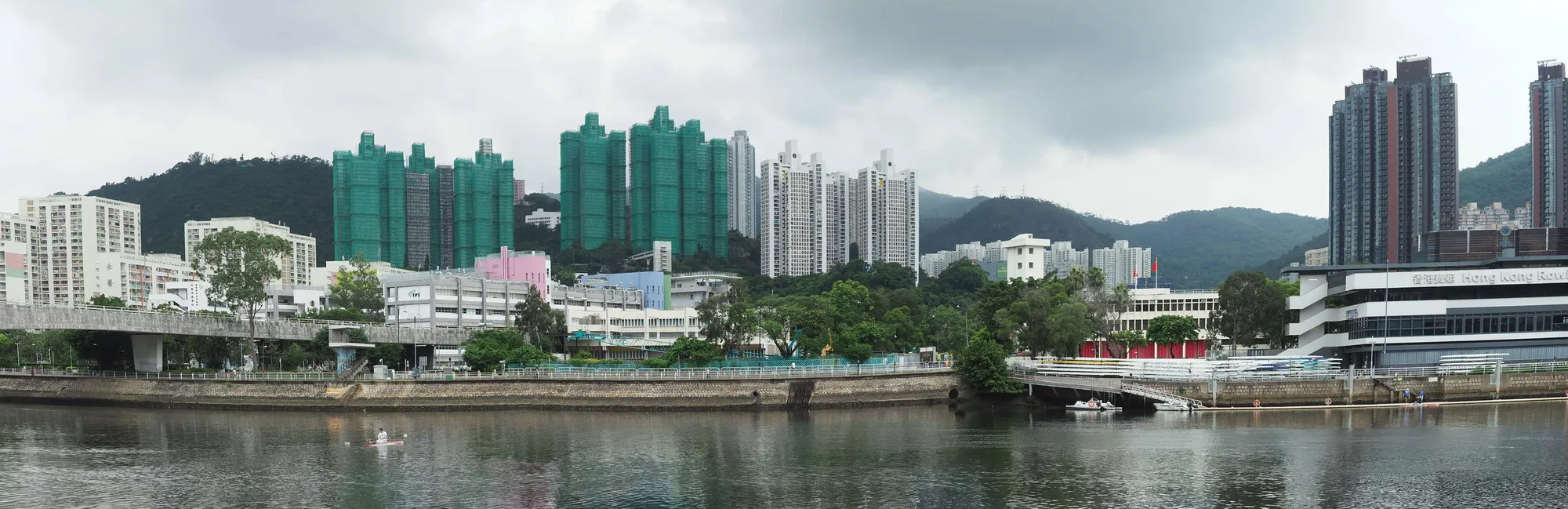
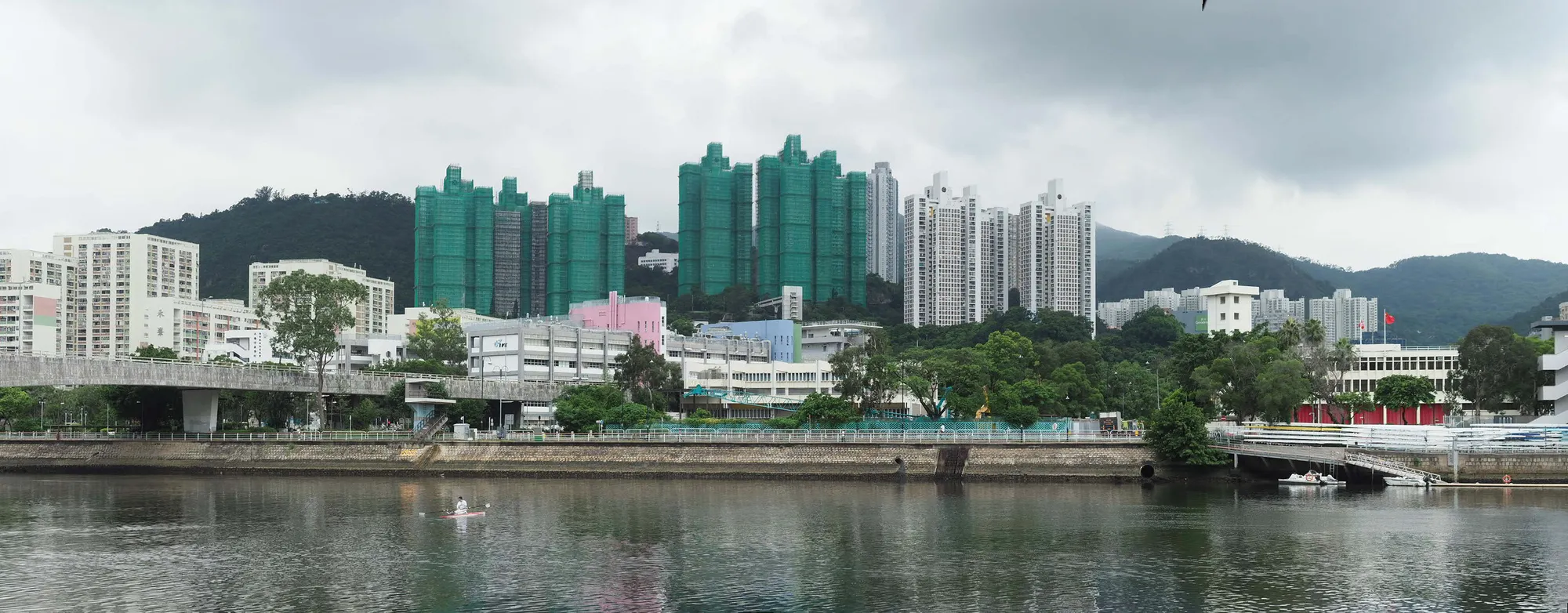
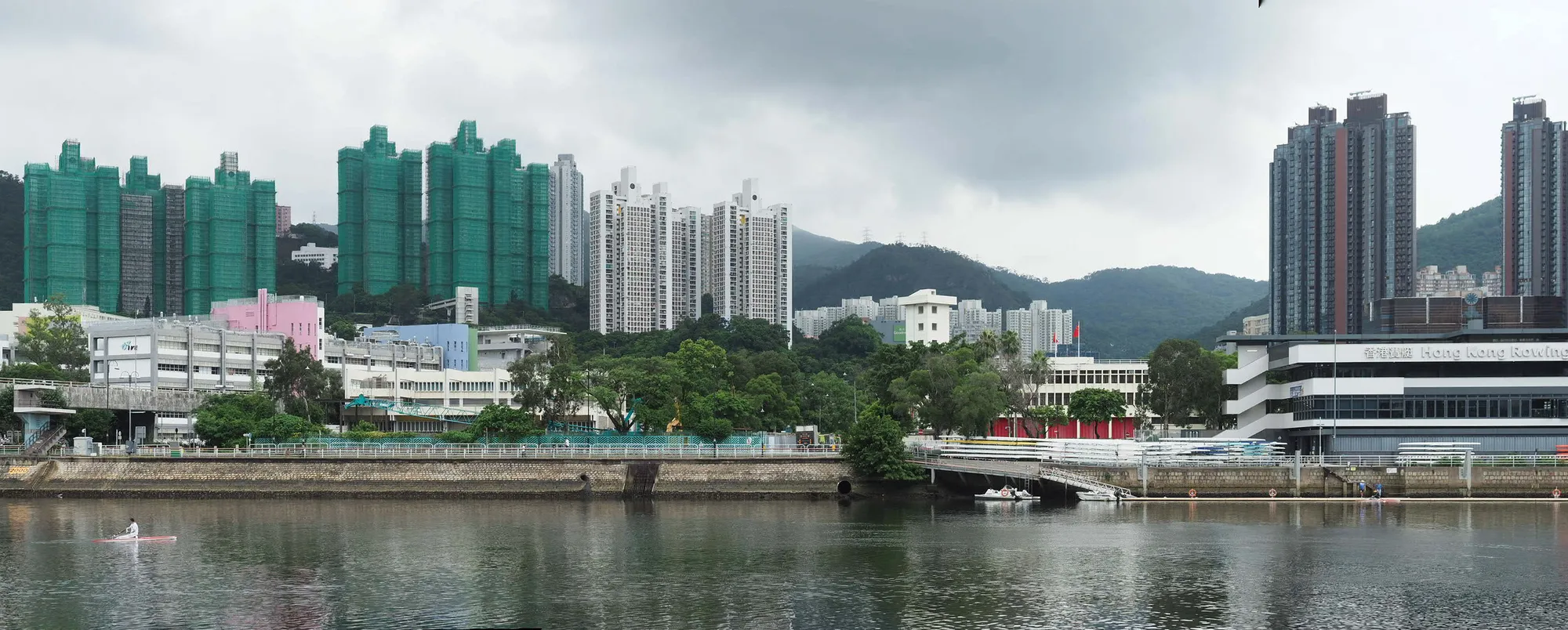
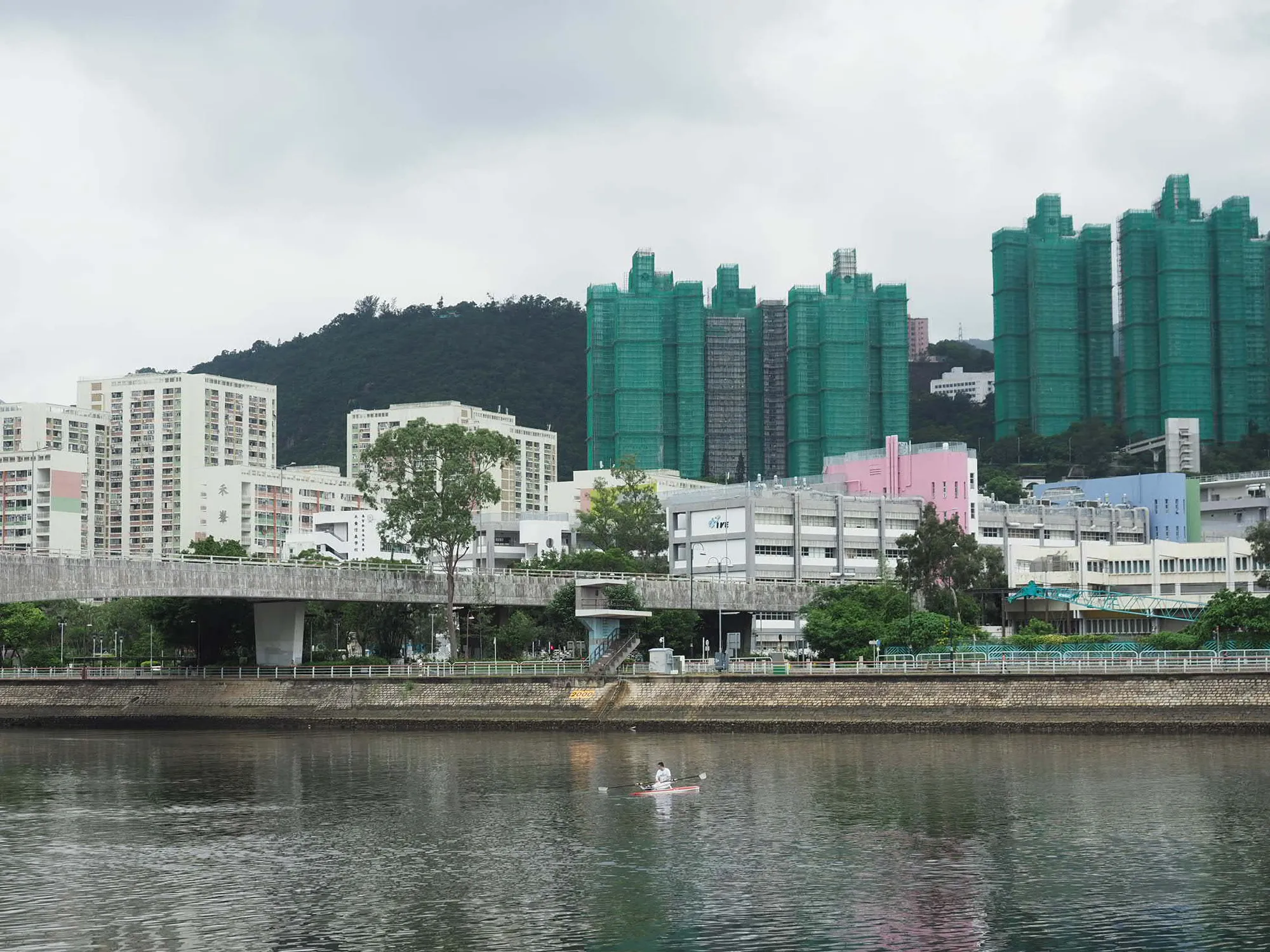
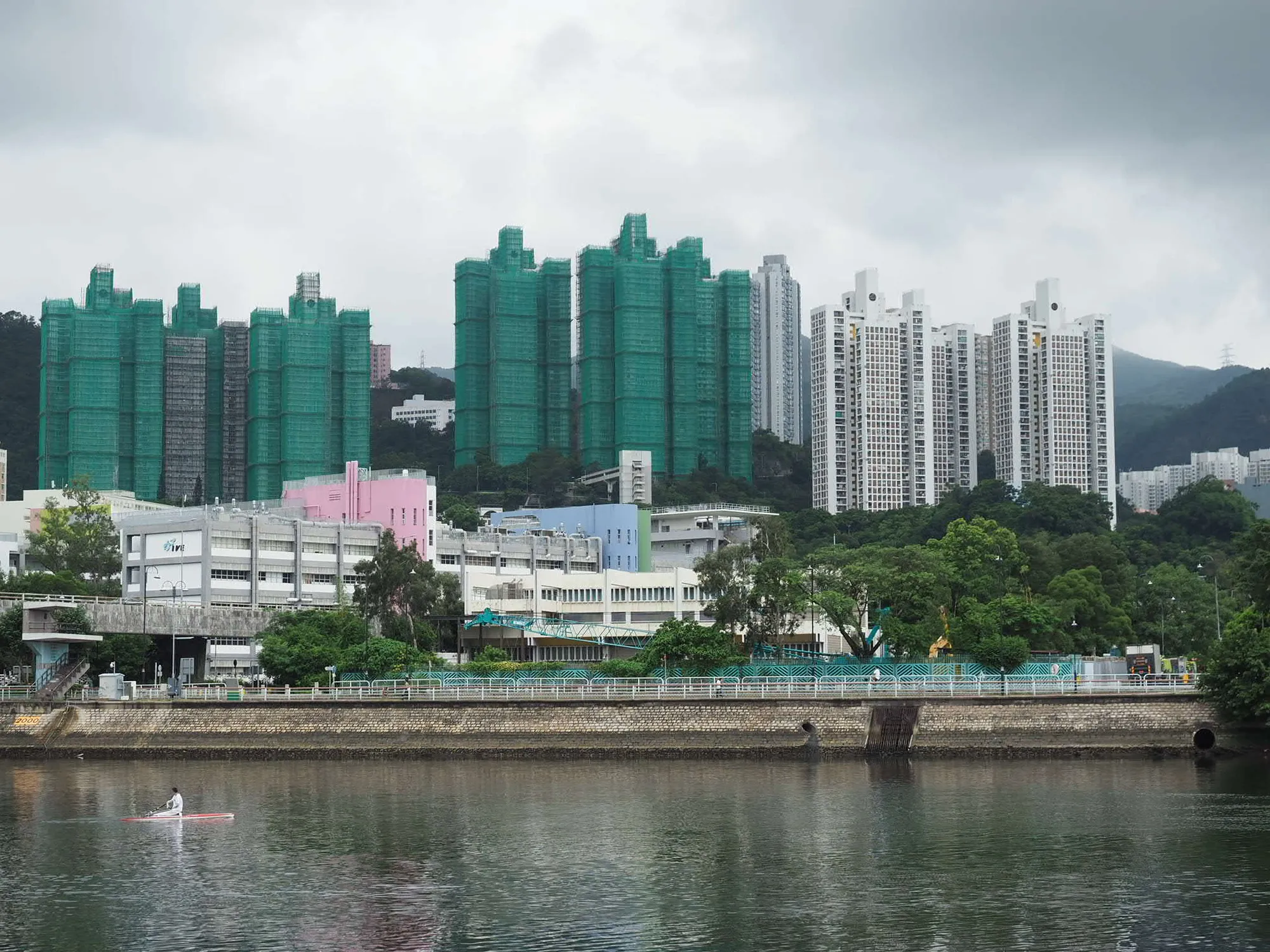
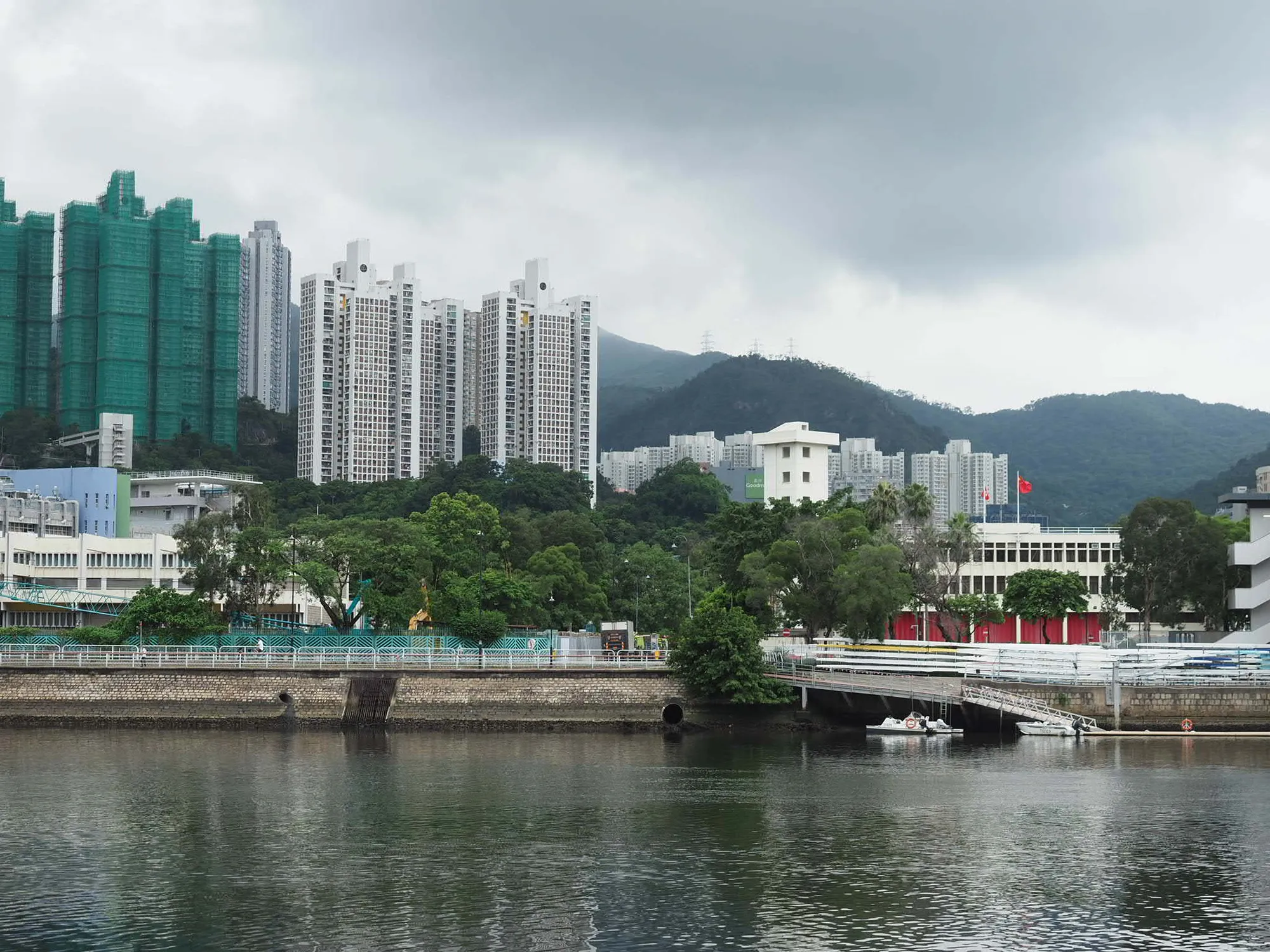
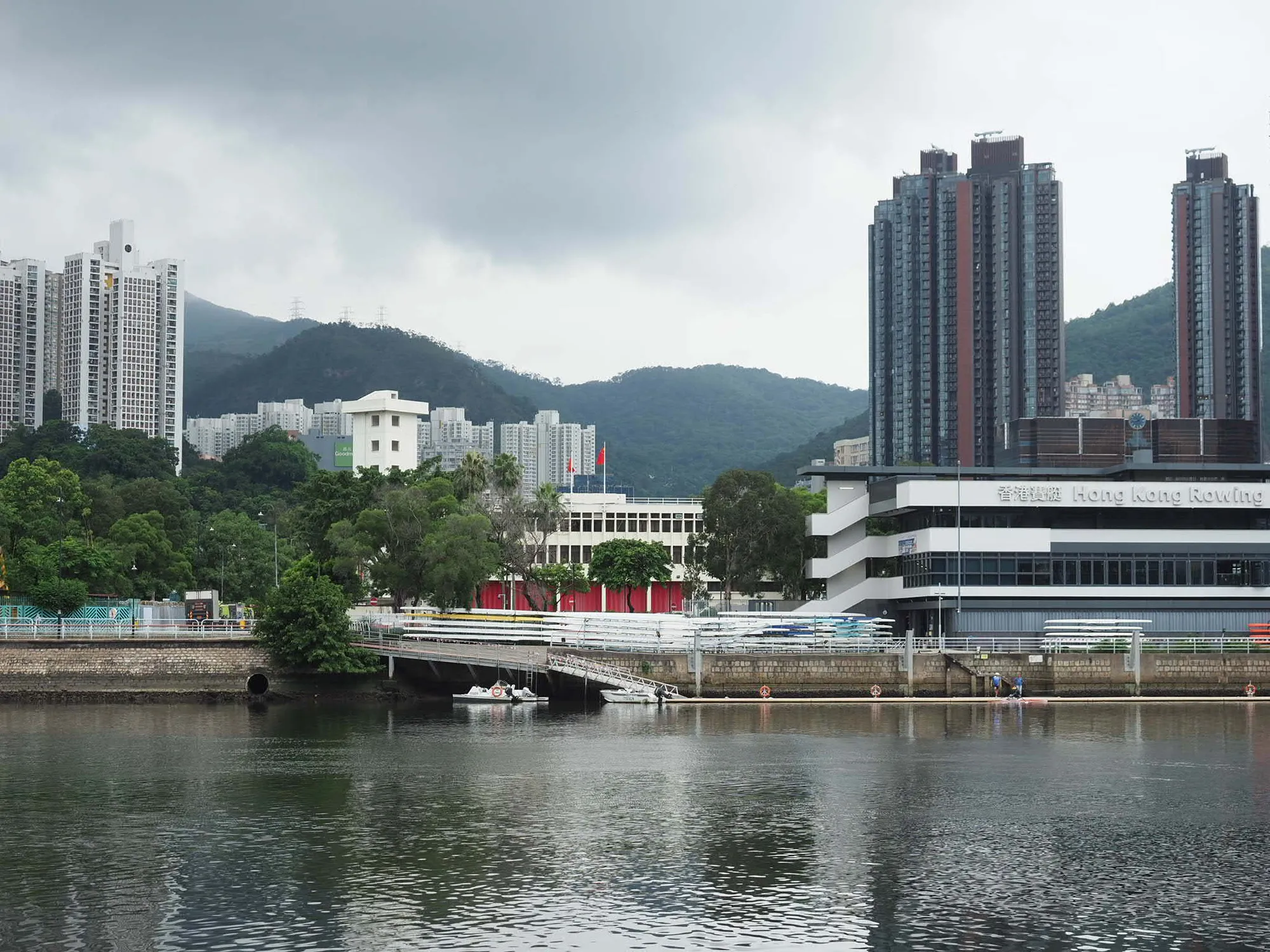
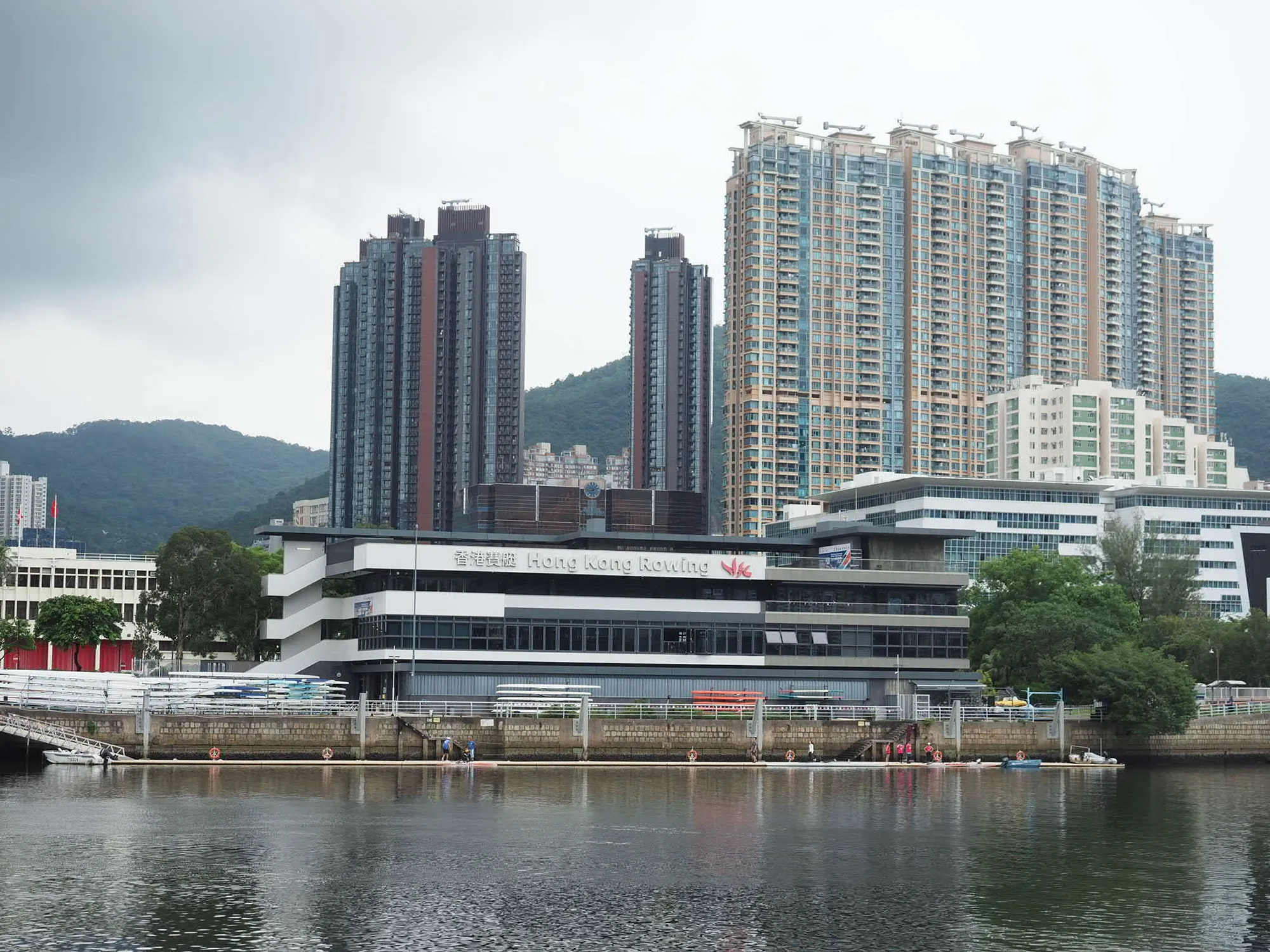
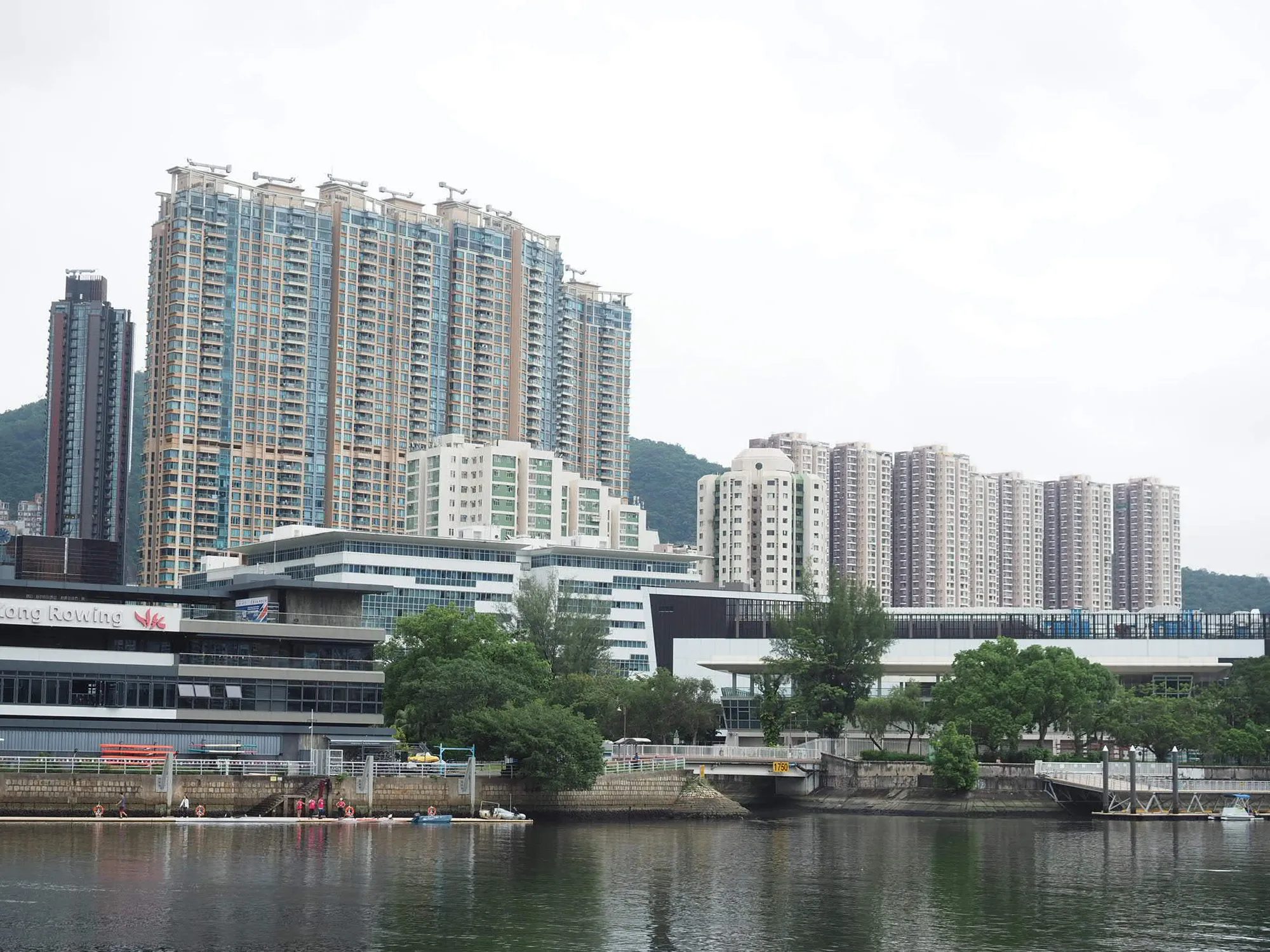
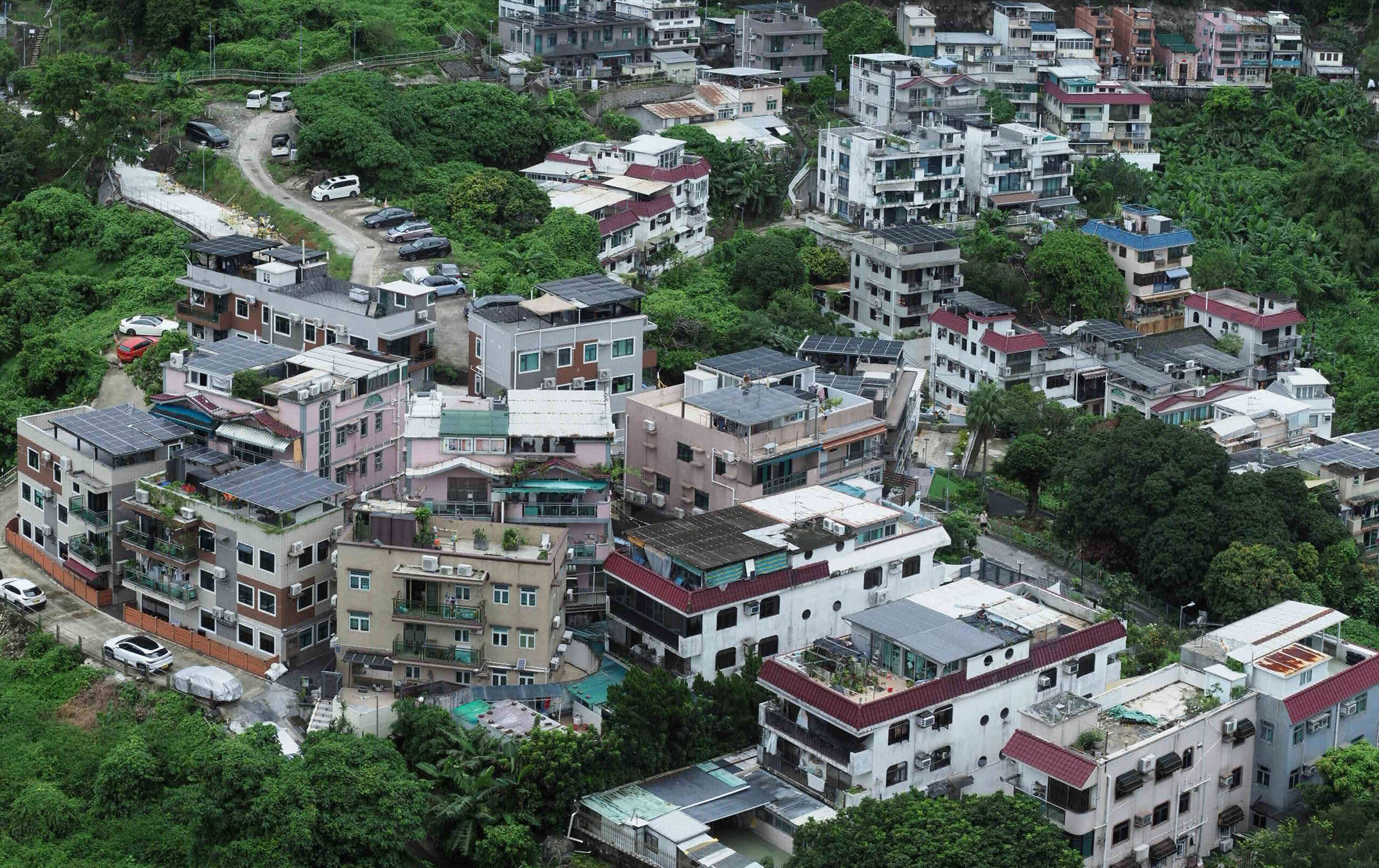
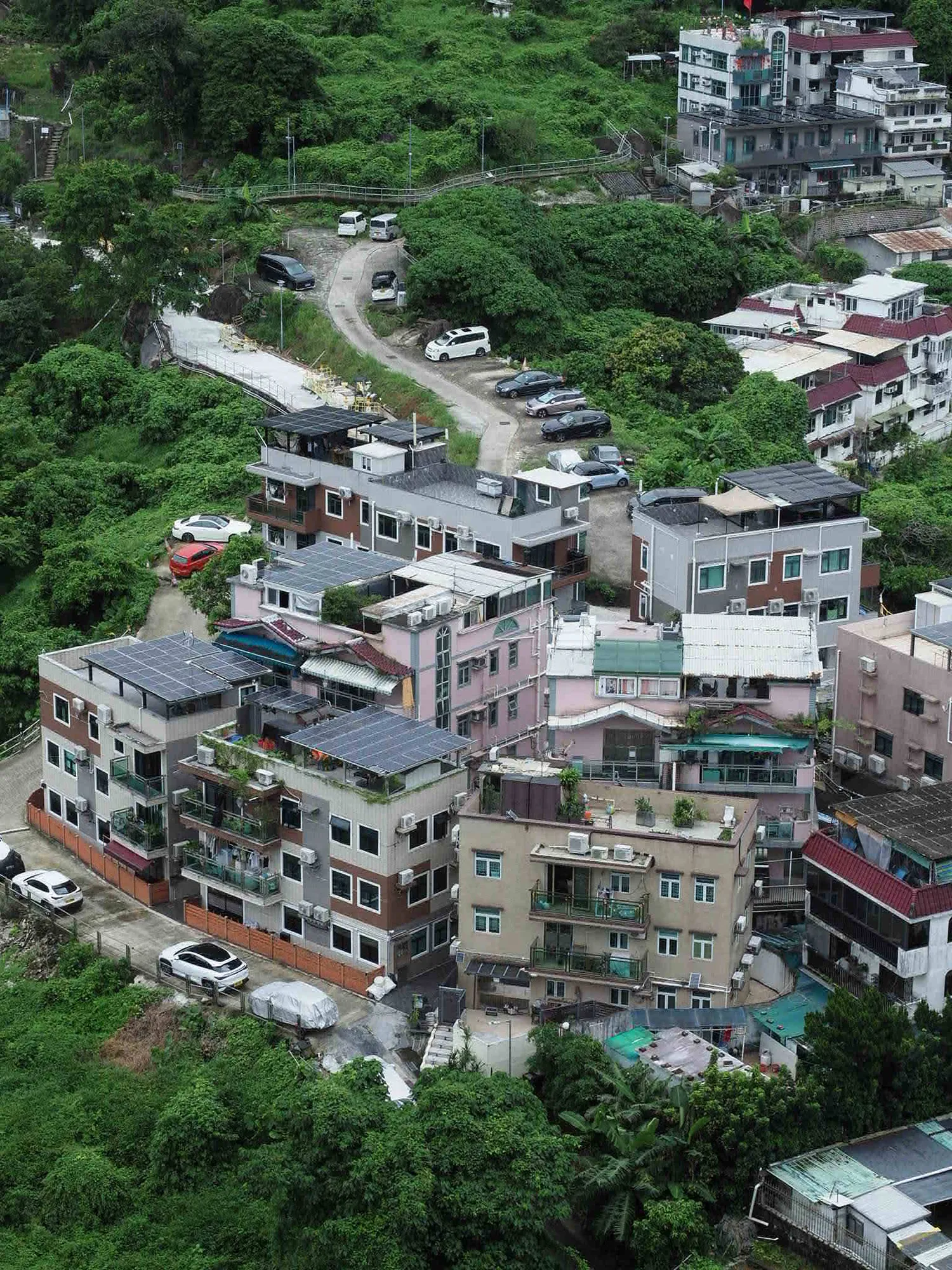
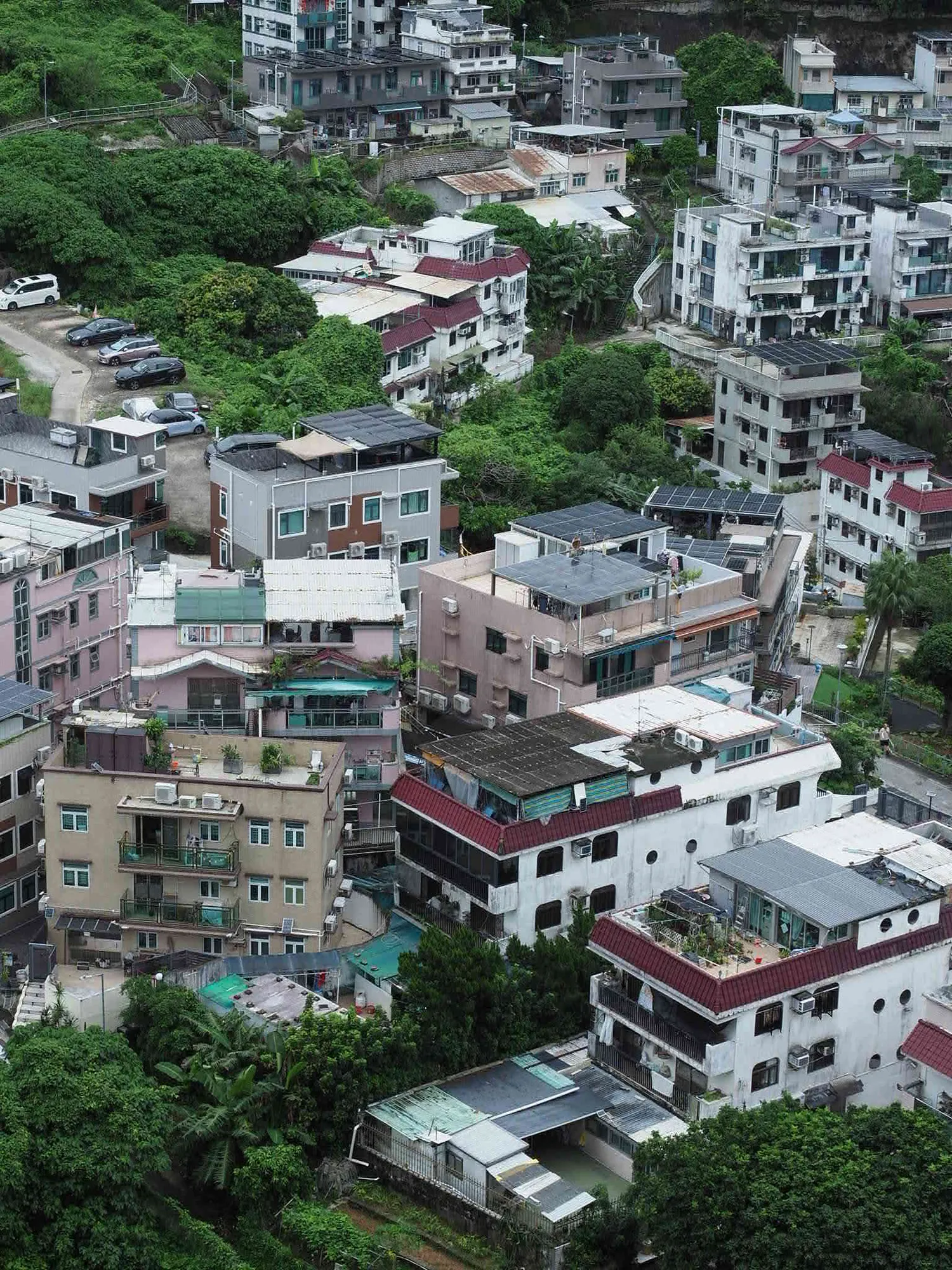
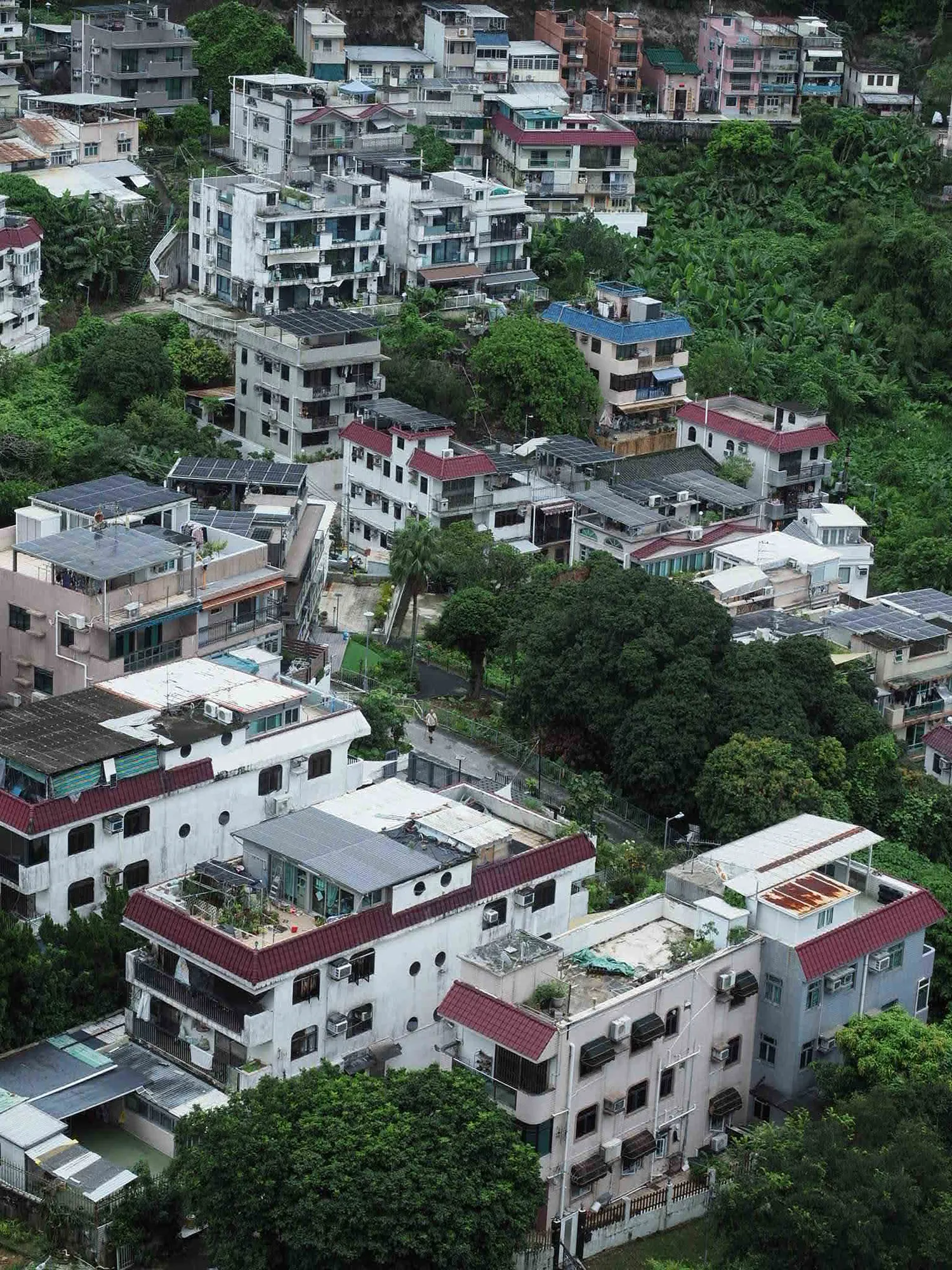
Stitch 3 jpgs into one paro output
Photo were token by em1 mk2 using manual exposure and fixed white color balance from left to right
# 1. Generate the project file from your input images
pto_gen -o project.pto *.jpg
# 2. Run the automated assistant (finds features, aligns, and optimizes)
hugin_executor –assistant project.pto
# 3. Stitch and render the final panorama output
hugin_executor –stitching –prefix=output_pan project.pto
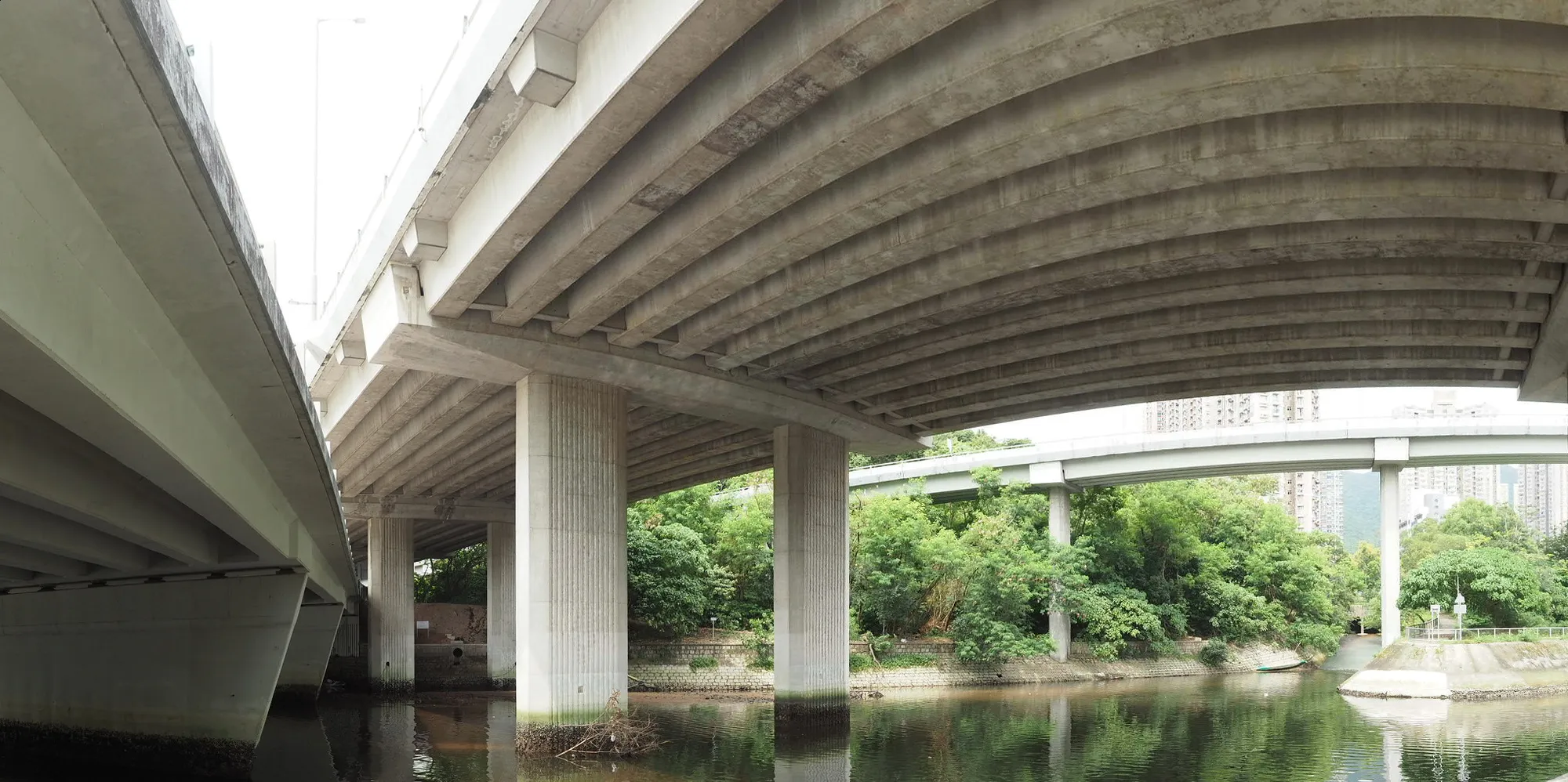
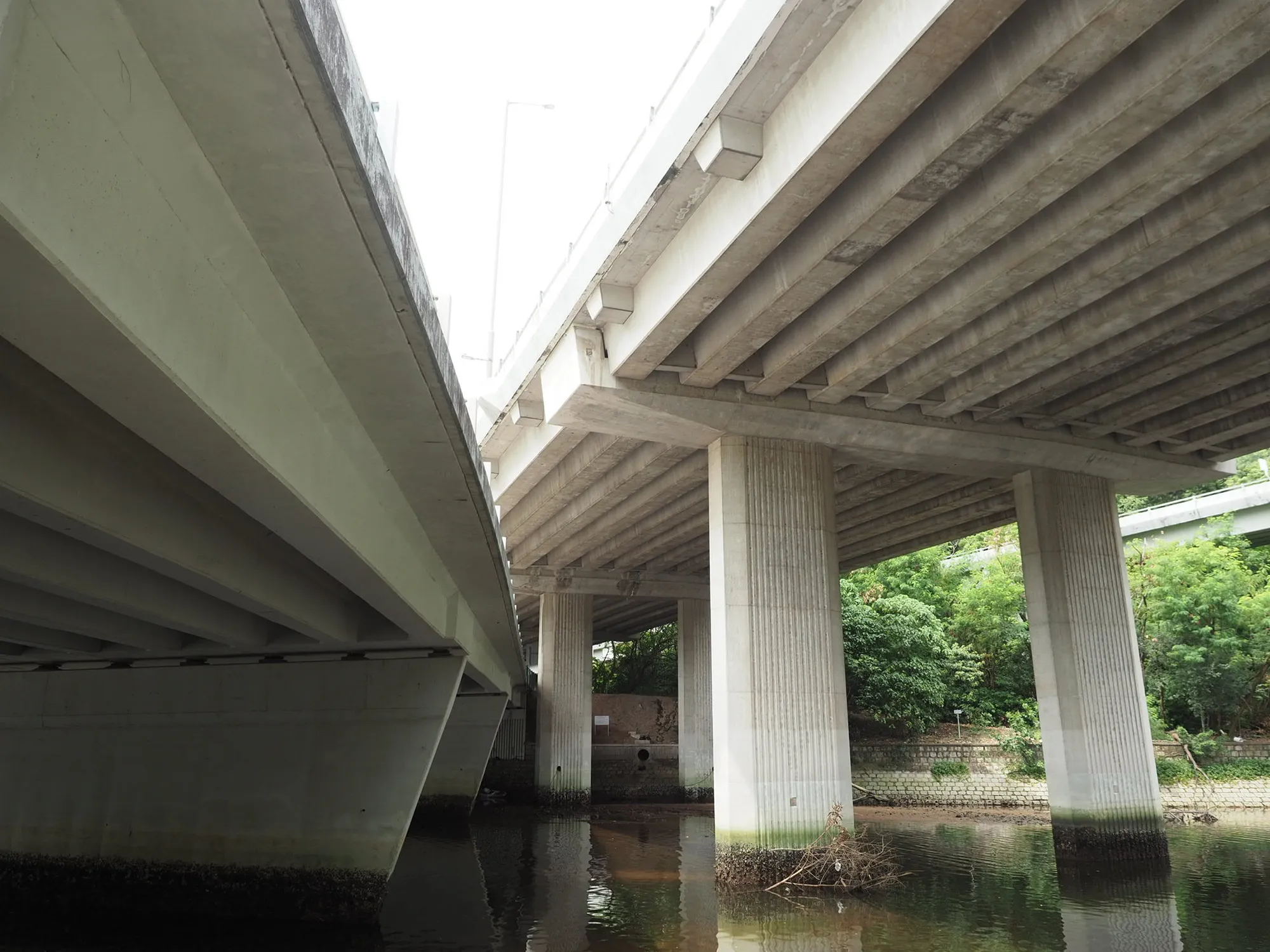
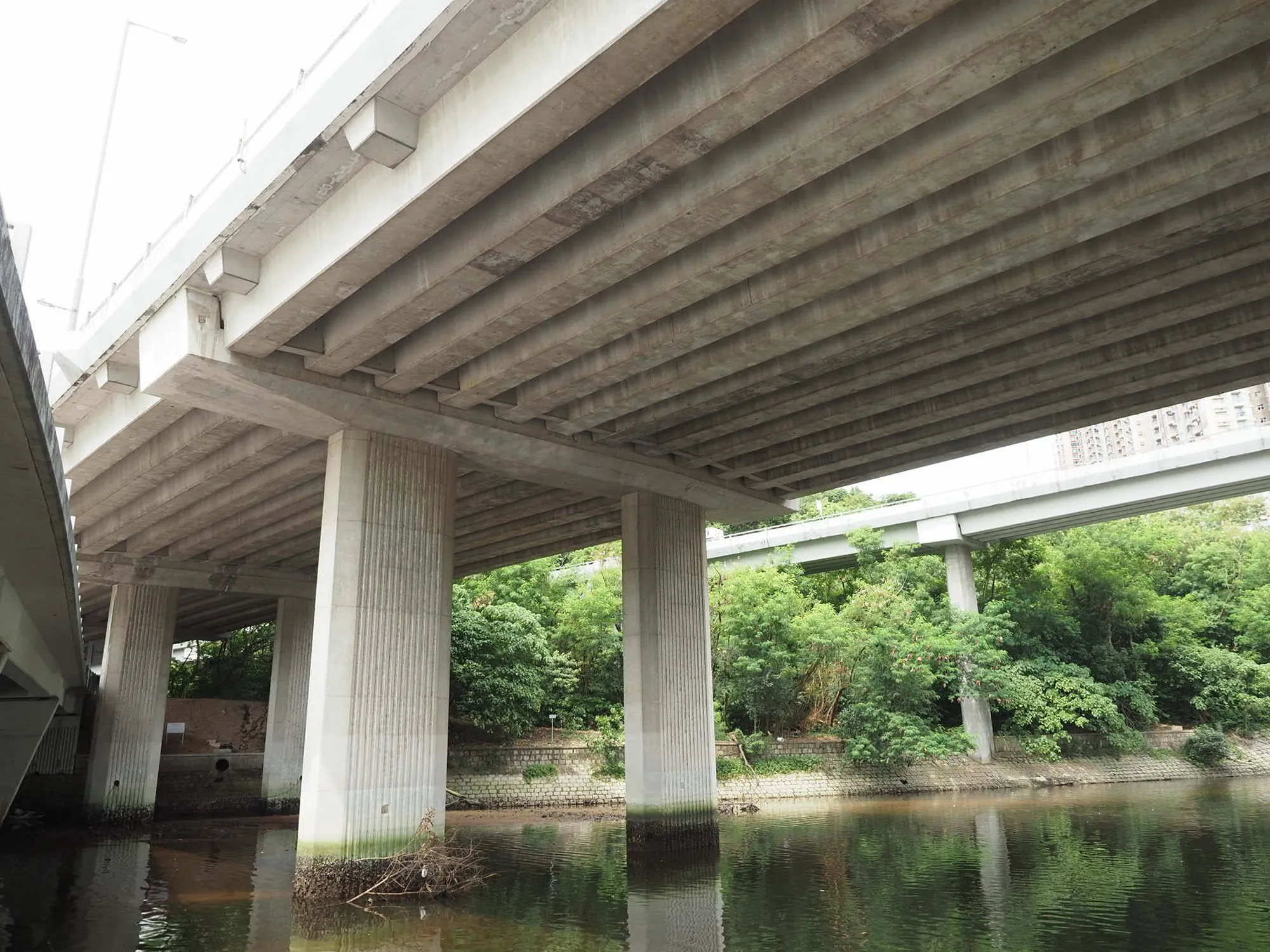
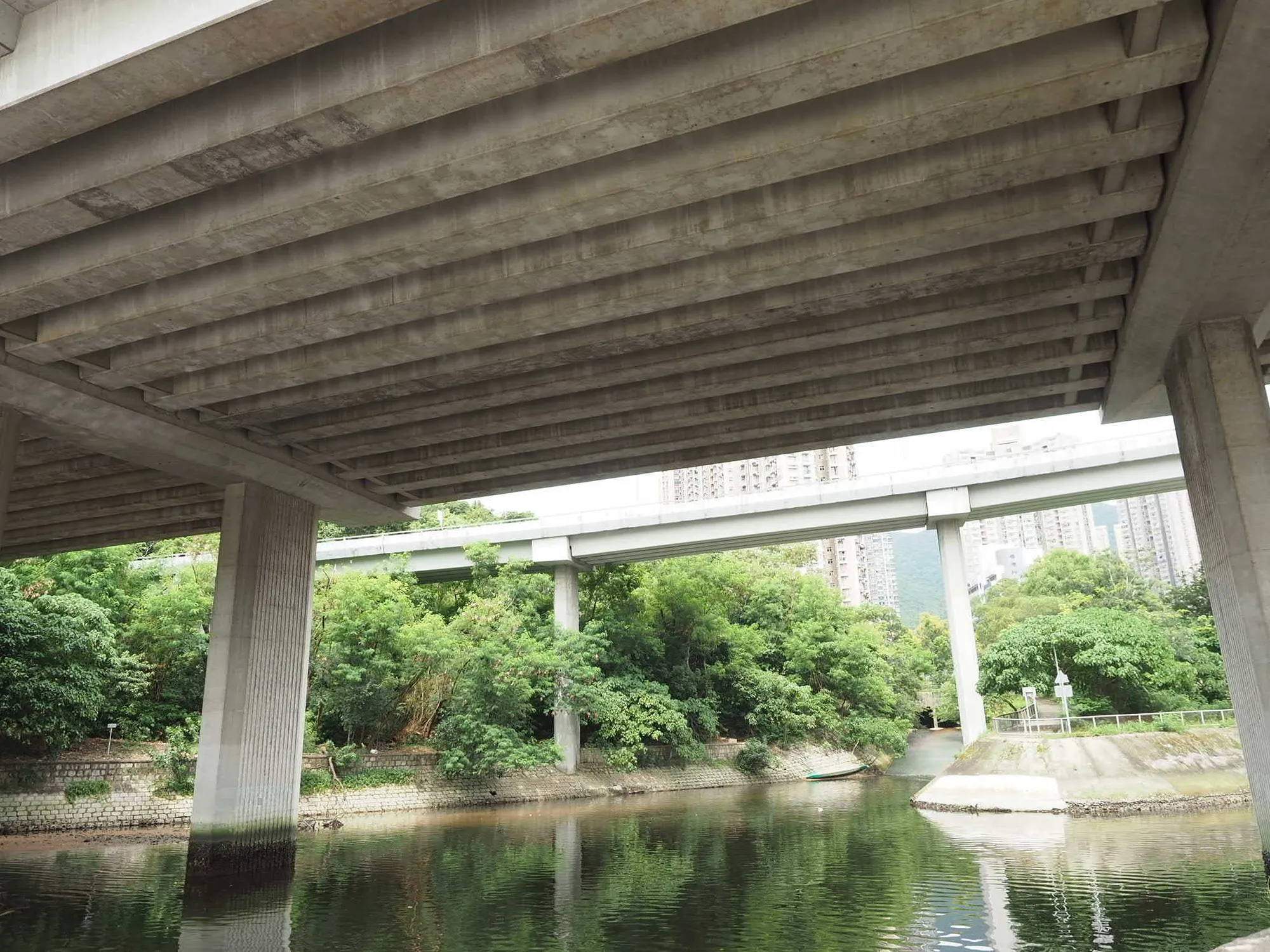
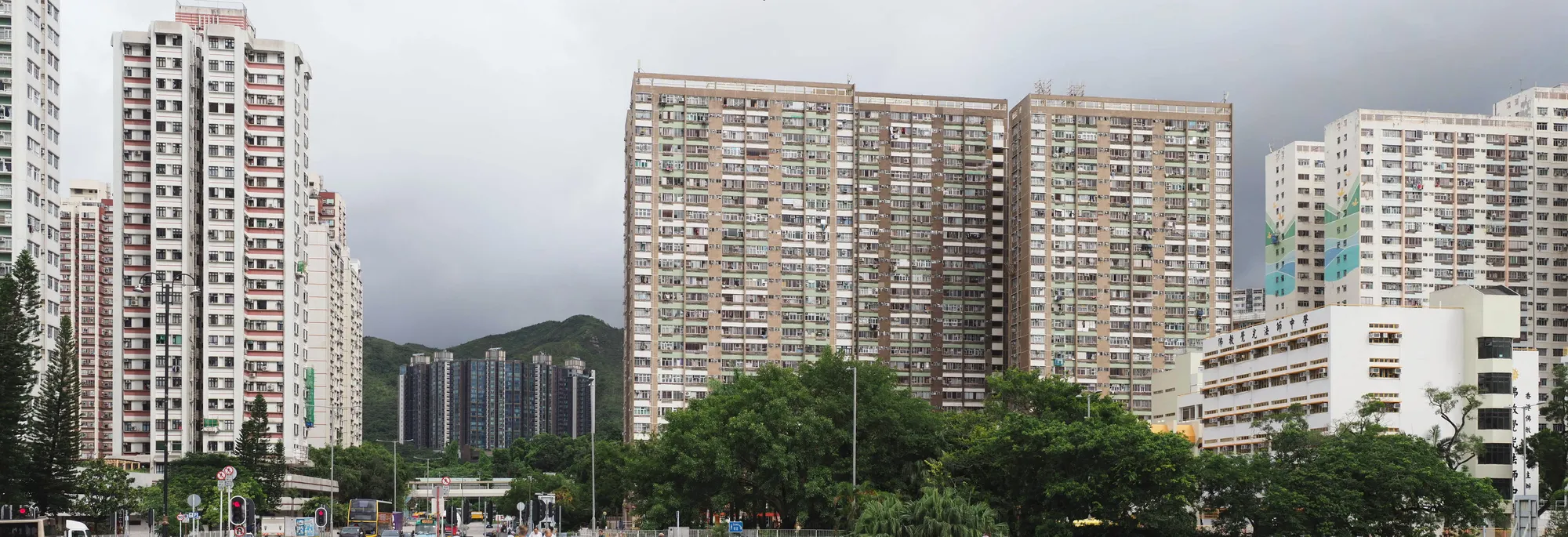
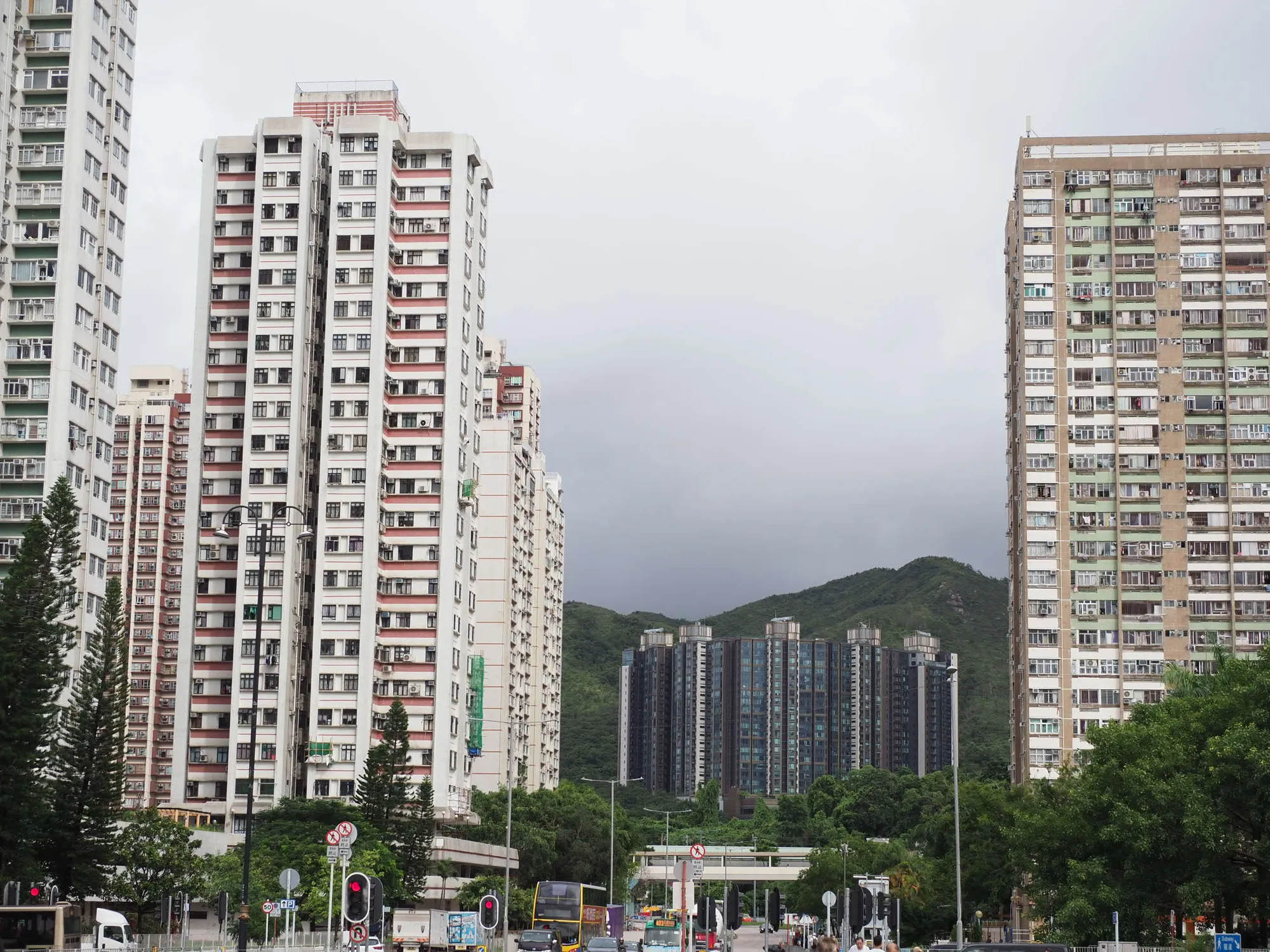
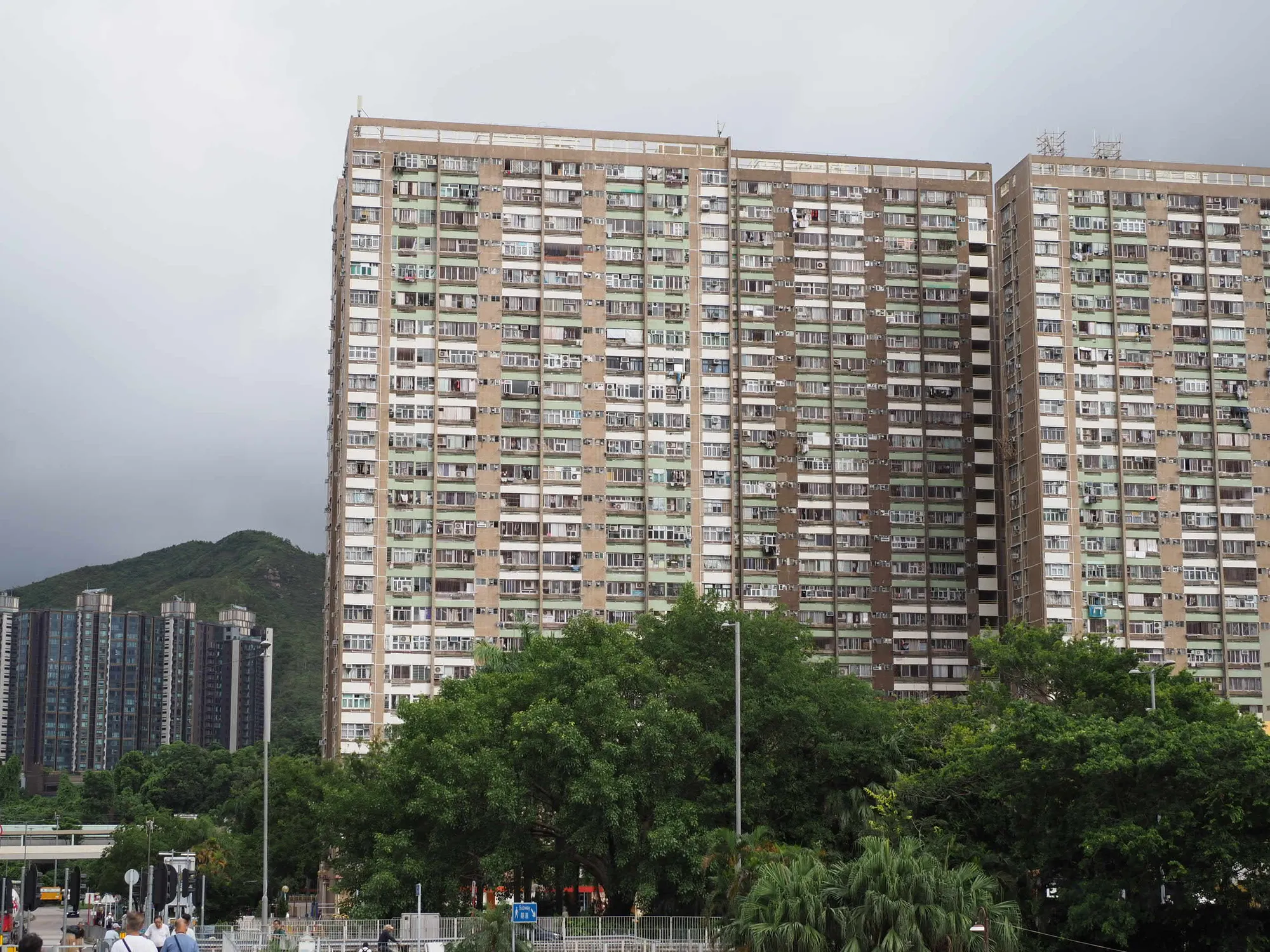
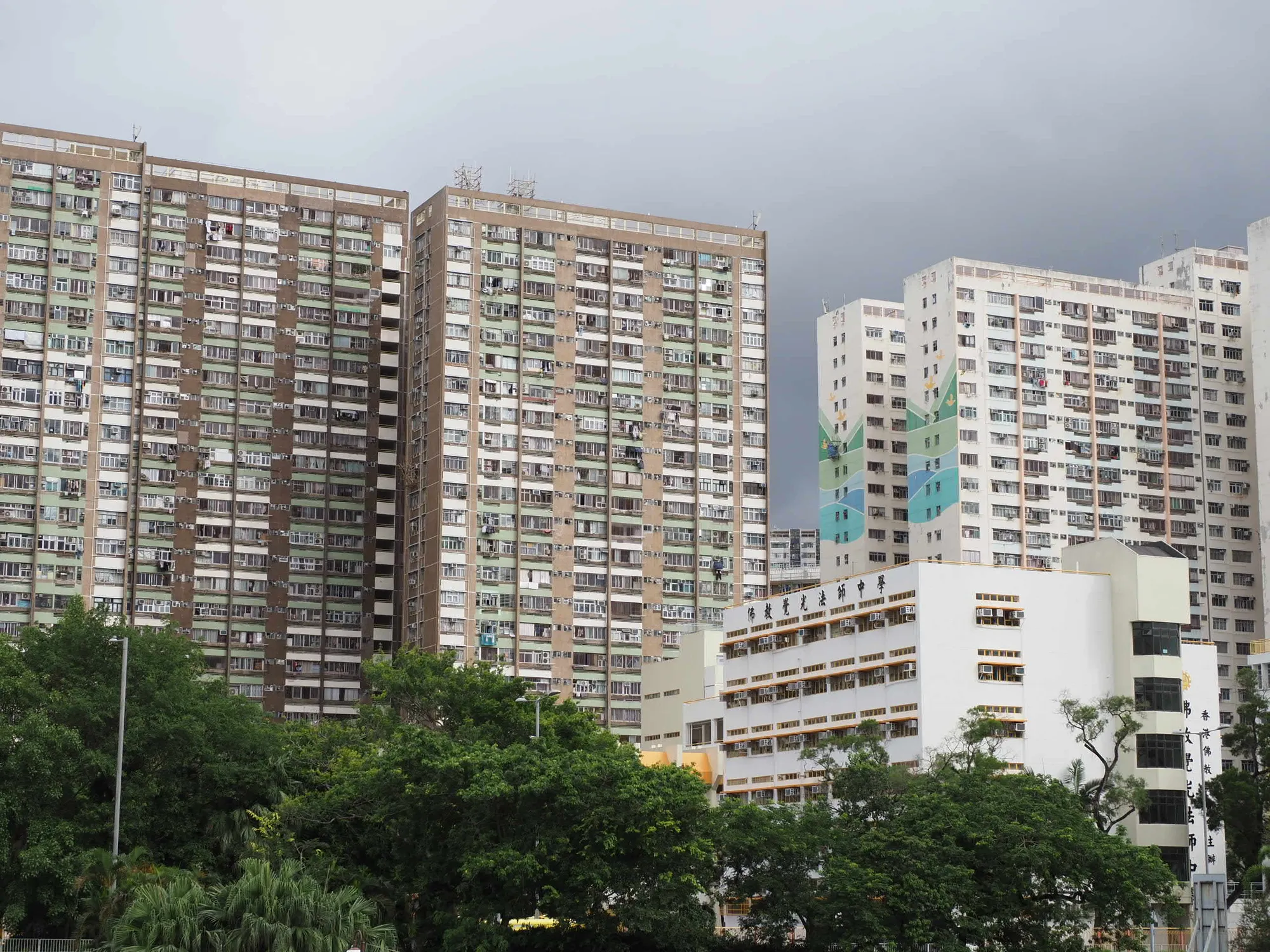
when over 3 images using following
# 1. Generate the project file from your single-row images (ordered alphabetically/sequentially)
pto_gen -o project.pto *.[Jj][Pp][Gg]
# 2. Force a single linear row match (only matches adjacent images)
cpfind -o project.pto –linearmatch project.pto
# 3. Clean up any bad or accidental cross-control points
cpclean -o project.pto project.pto
# 4. Optimize the panorama positions and alignments
autooptimiser -a -m -l -s -o project.pto project.pto
# 5. Automatically set the center, field of view, and crop boundary
pano_modify –canvas=AUTO –crop=AUTO -o project.pto project.pto
# 6. Stitch the final single-row panorama
hugin_executor –stitching –prefix=output_row project.pto
# 7. convert output_row.tif to output.jpg
convert output_row.tif output.jpg